








Captioning Content
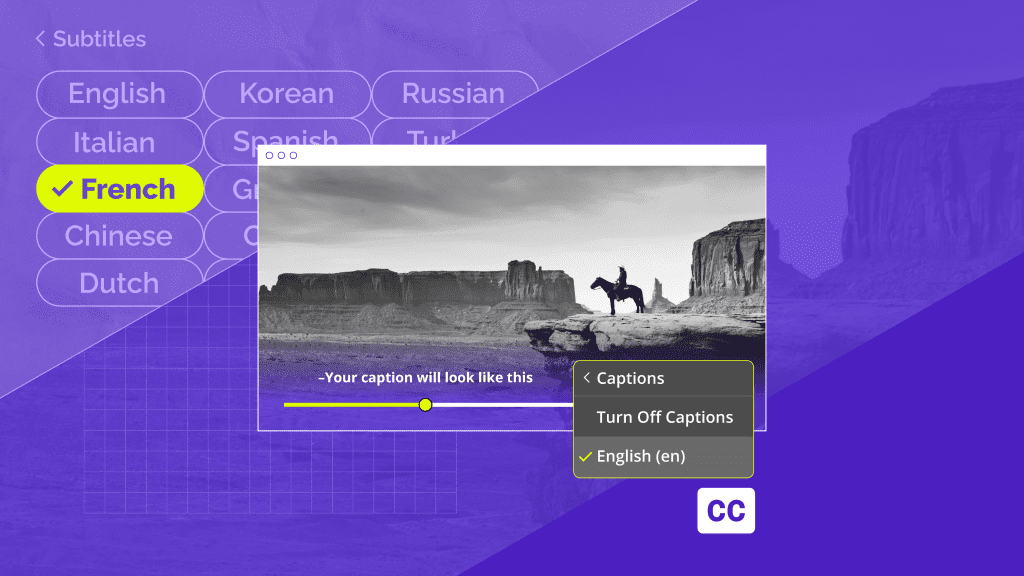
Closed Captions vs. Subtitles: What’s the Difference?



Captioning Content
Blog posts
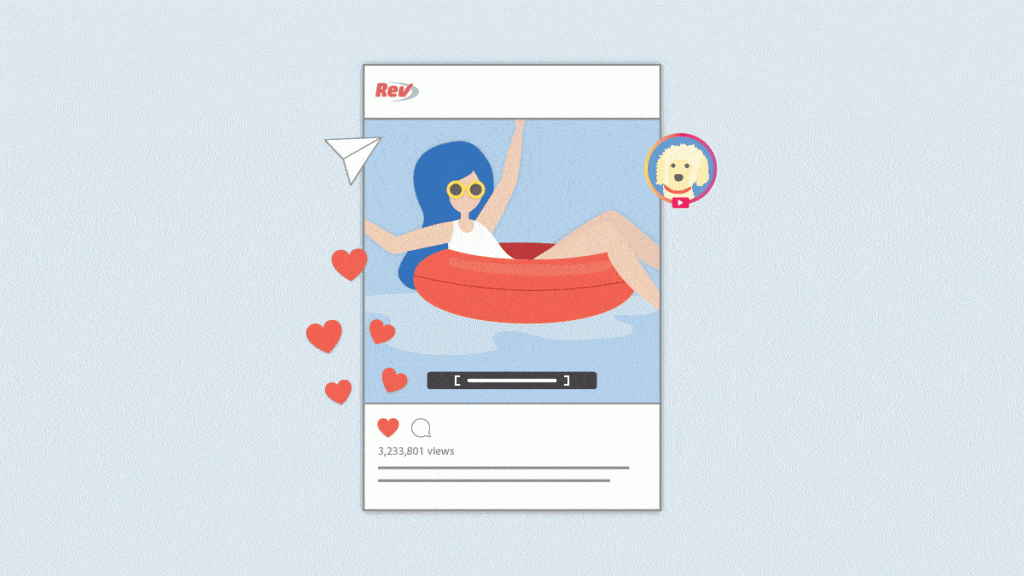
How to Add Captions and Subtitles to Instagram Videos
Learn how to add captions to Reels for better accessibility, mute-friendly viewing, and stronger engagement using Instagram tools or burned-in subtitles.
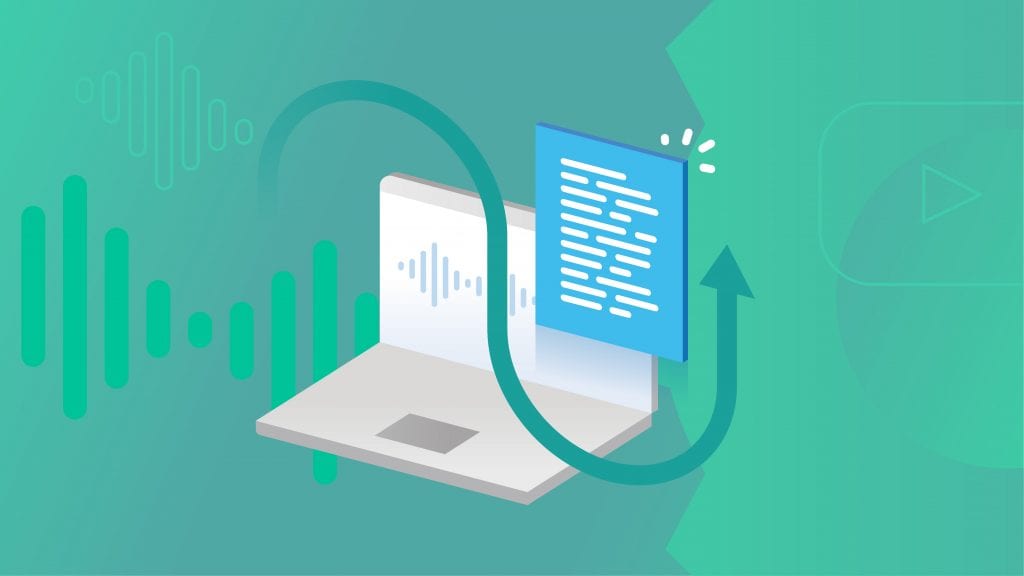
How Captions and Transcripts Boost Engagement with Videos
Creating engaging video content is a must for almost any brand. Learn how captions and transcript can help you boost that engagement.

How to Add Captions and Subtitles to LinkedIn Videos
Learn how to engage with a larger audience by adding closed captions or subtitles to your videos on LinkedIn.
Closed Caption File Guide for Videos: YouTube, Vimeo, Netflix, and More
Closed caption file formats can impact whether your videos are viewable, even when viewers can't turn up the volume. By using the right file format for every site — including Netflix, YouTube, Vimeo, and other popular sites — you can reach and appeal to a wider audience of viewers.
How to Permanently Add Subtitles to Videos
Need subtitles & captions permanently added to your video files? This can be done easily through a "burned-in caption" service, where you can download a video with captions added.
How to Get & Add Captions and Subtitles in Pinnacle Studio
Learn how to add captions and subtitles to your Pinnacle Studio video editing projects. Get the SRT file, copy and paste, edit, and export!
How to Add Captions & Subtitles to Slack Video Meeting Recordings
Learn how to add captions and subtitles to Slack video recordings & video meetings. Captions help accessibility and subtitles expand your global reach.
Transcripts

The Hunchback Of Notre Dame (1939)
Read the transcript of the movie The Hunchback Of Notre Dame (1939)

Subscribe to The Rev Blog
Sign up to get Rev content delivered straight to your inbox.