

Transcription
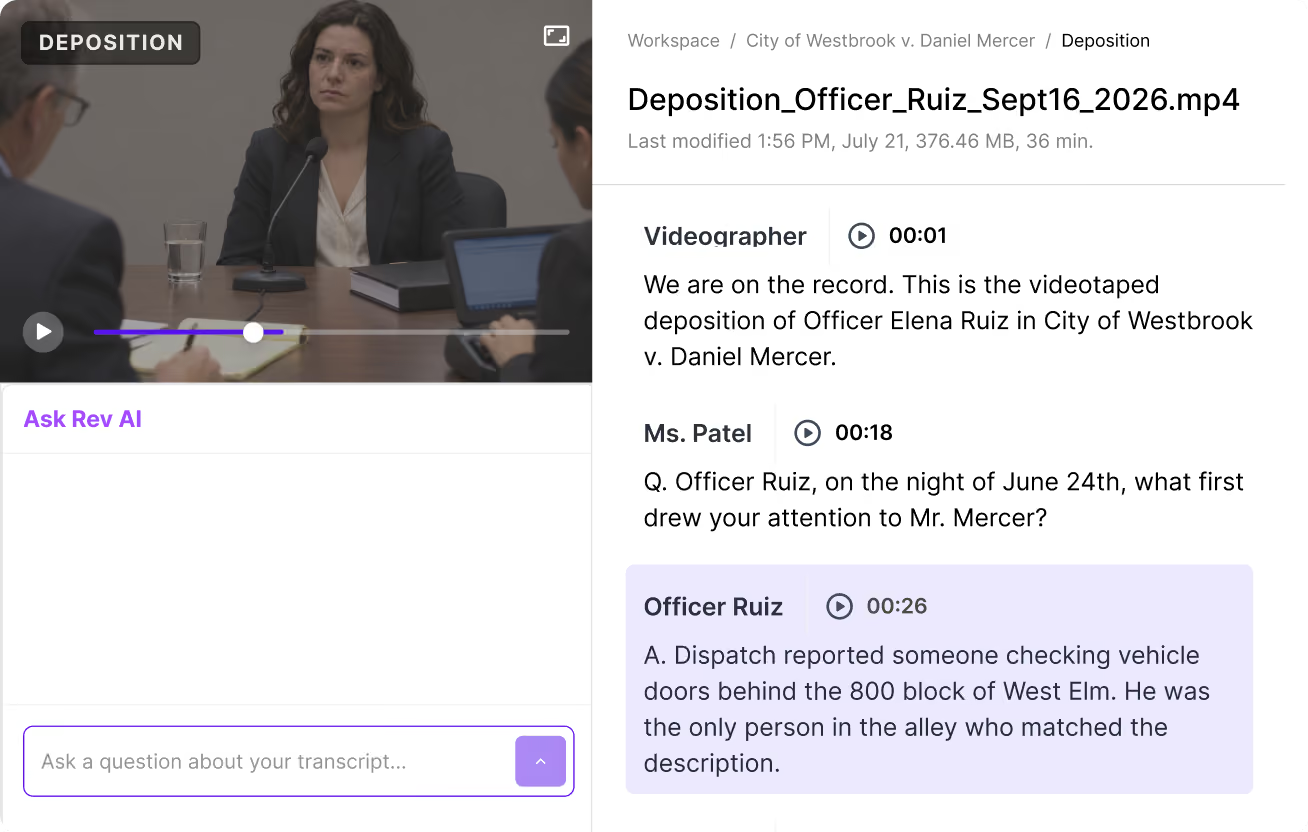
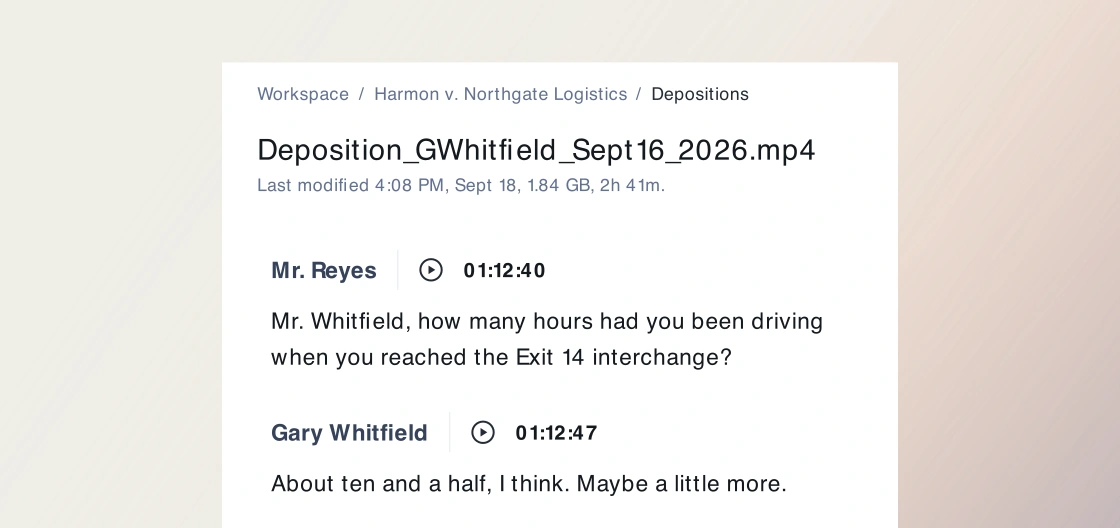
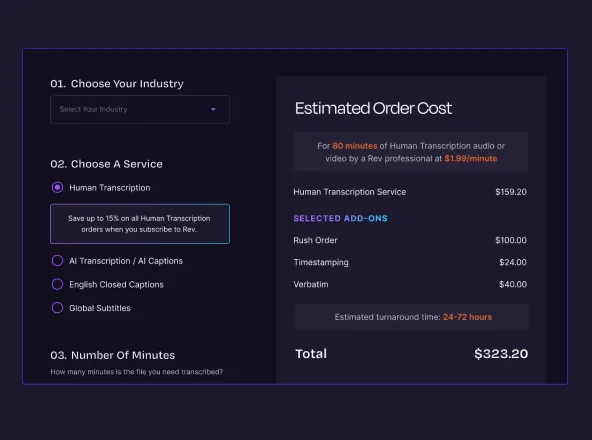
Choose accurate AI or human transcripts, then use Transcript Editor to match cited words to the recording.
Read More

Rev for Civil Law
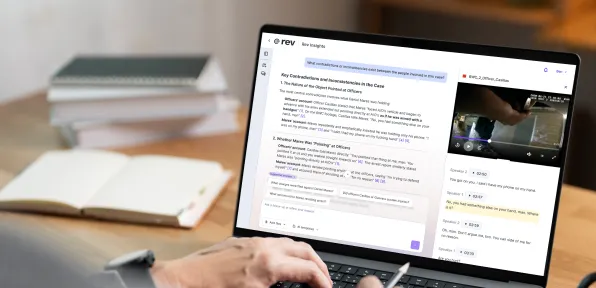
Gather your entire matter in one secure case workspace, then use Rev’s full suite of investigative AI tools to find facts and prepare drafts.
 Check testimony using accurate transcripts and AI answers that cite the sourceSupport high-stakes civil investigations, client advice, negotiations, and trial prepProtect sensitive matter files and control access











“I can spend a half hour talking to a client and literally like less than a minute drafting a pretty comprehensive affidavit.”
Keif Storrar
Partner
Doubek, Pyfer & Storrar
Used By
Civil law attorneys & trial teamsAssociates, paralegals, & case supportPlaintiff & defense practicesChoose accurate AI or human transcripts, then use Transcript Editor to match cited words to the recording.
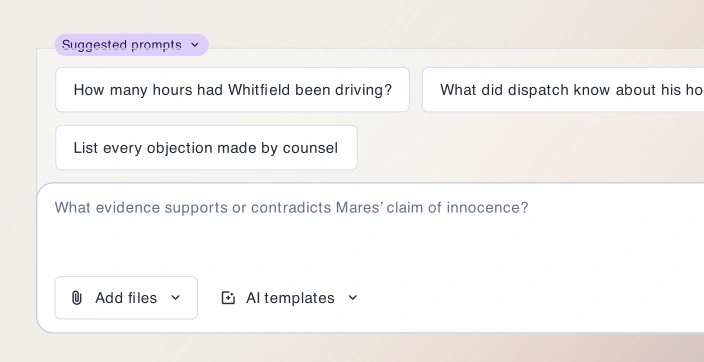
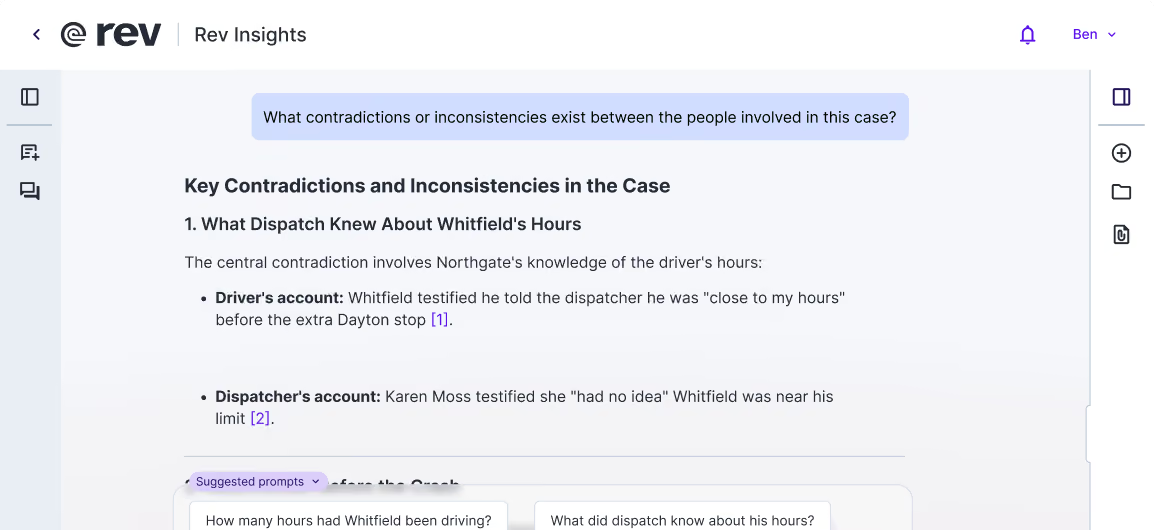
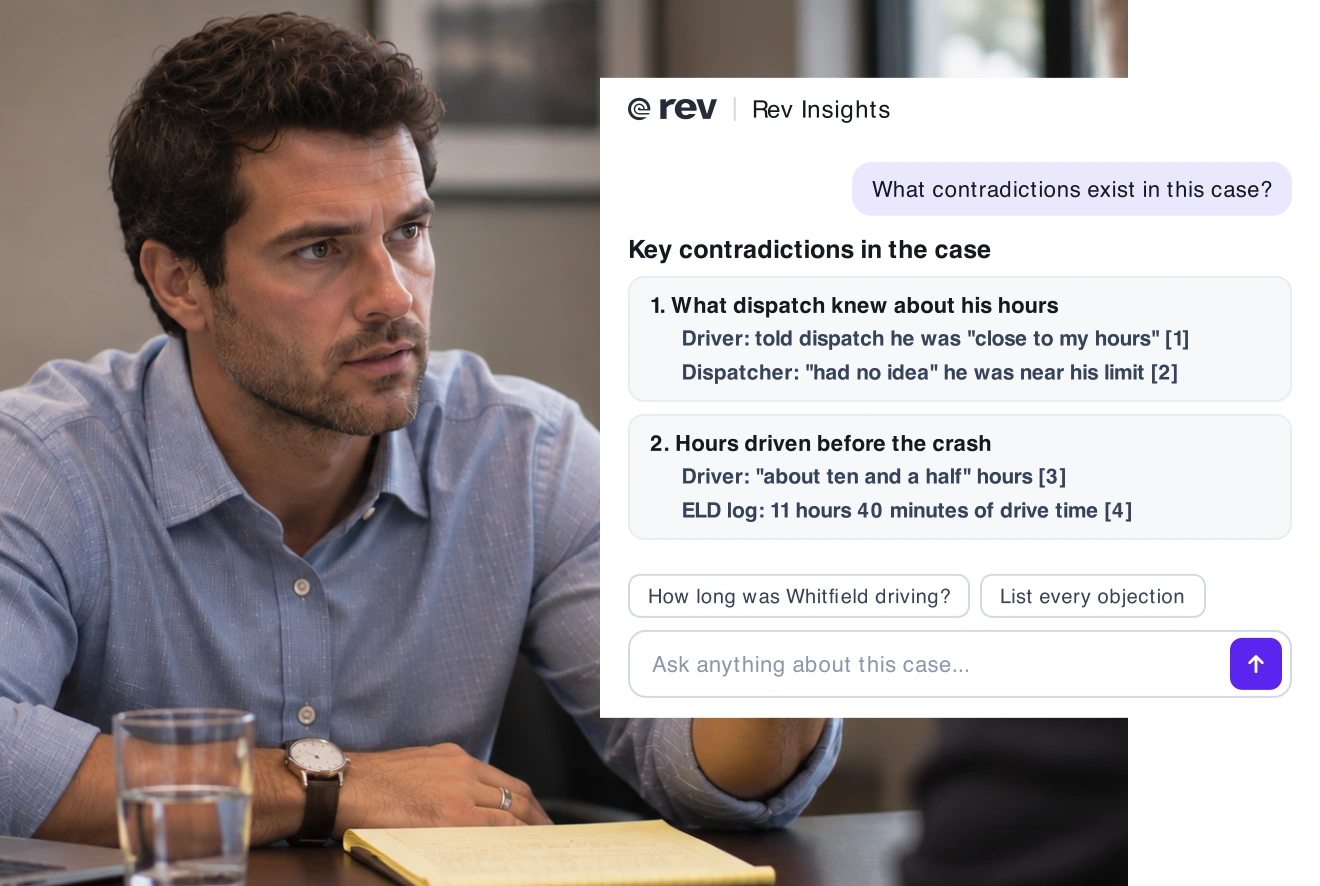
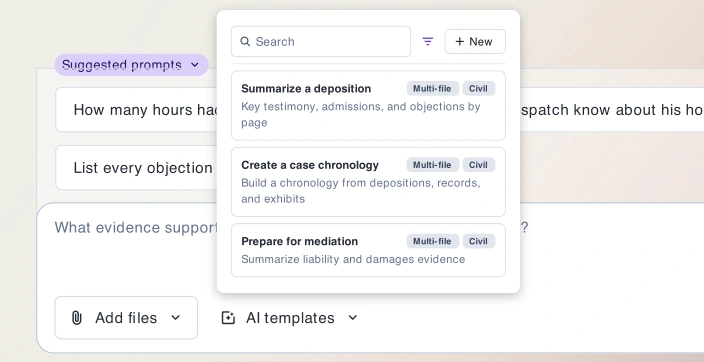
Get answers about your matter, with citations that take you back to the source.
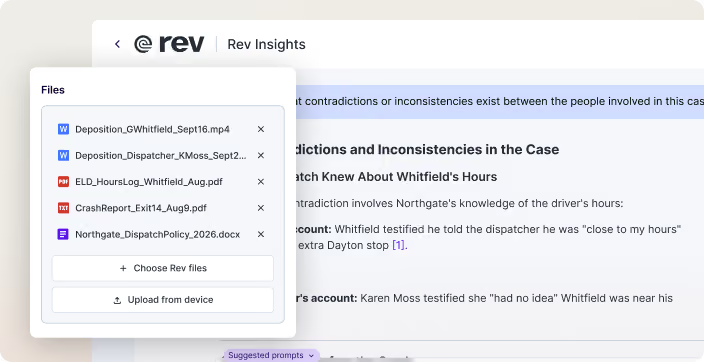
Spot conflicting accounts by comparing recordings, reports, and documents.
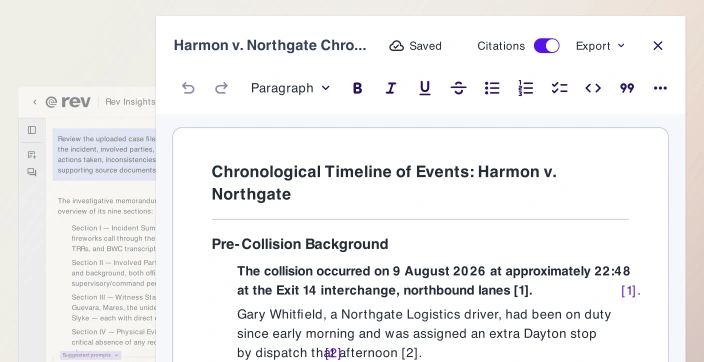
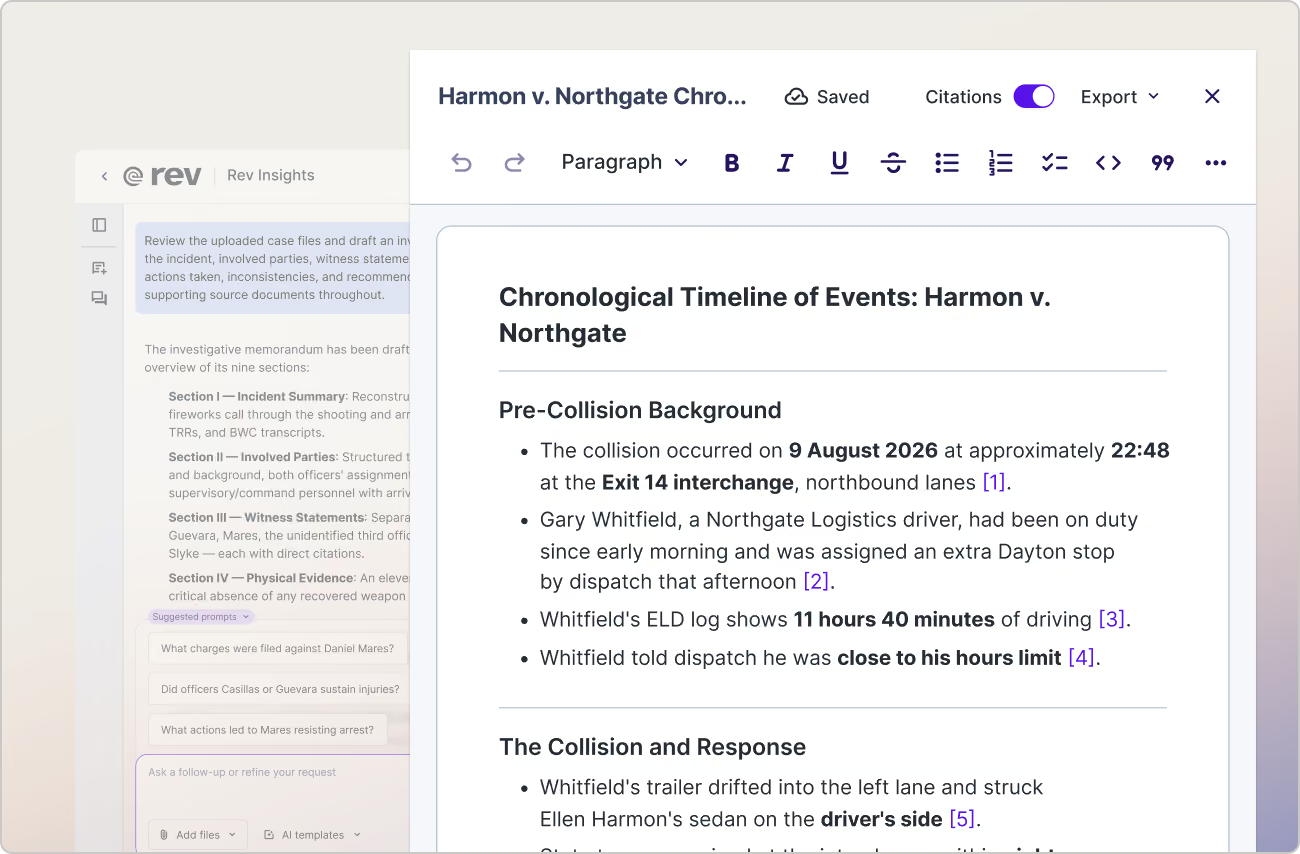
Revise your draft, check it against the linked sources, and export it as a Word file or PDF.
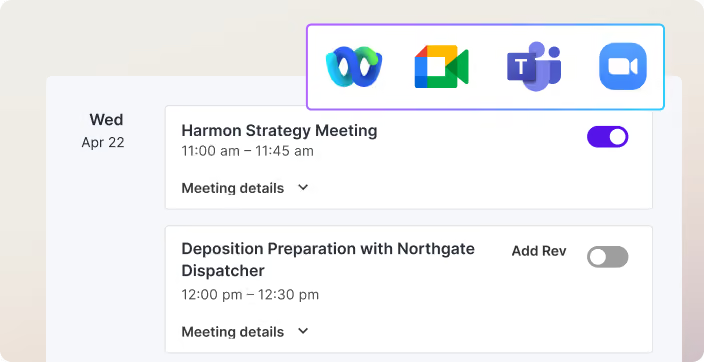
Give the call your full attention. Rev handles the recording and takes the notes.
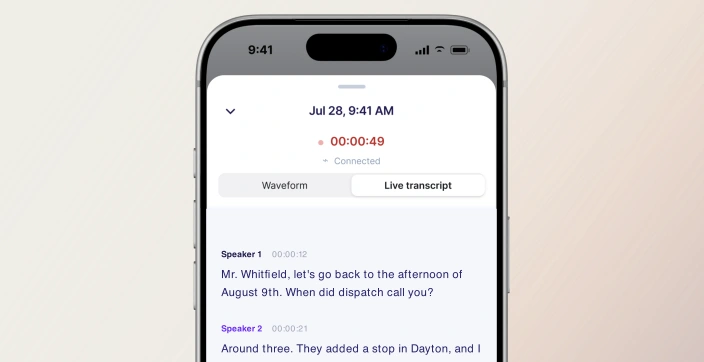
Start Getting Value From Rev
Step 1
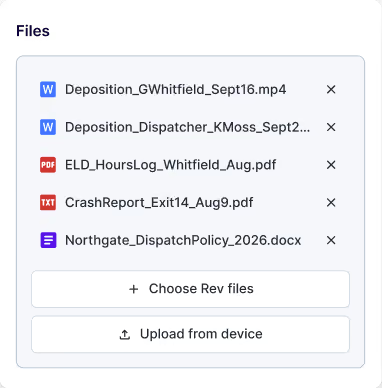
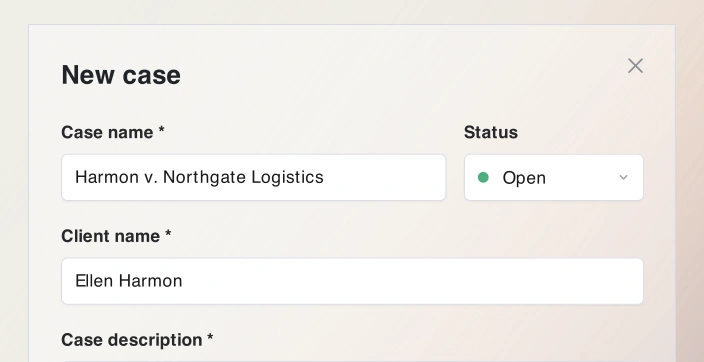
Review your whole matter in Rev alongside your firm’s existing case management software.
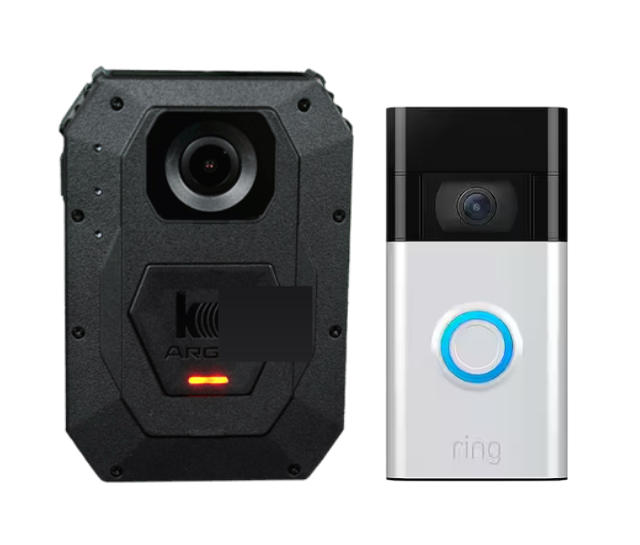
Body cam, dash cam, back-seat cam & Ring

Jail calls, 911 calls, & depositions
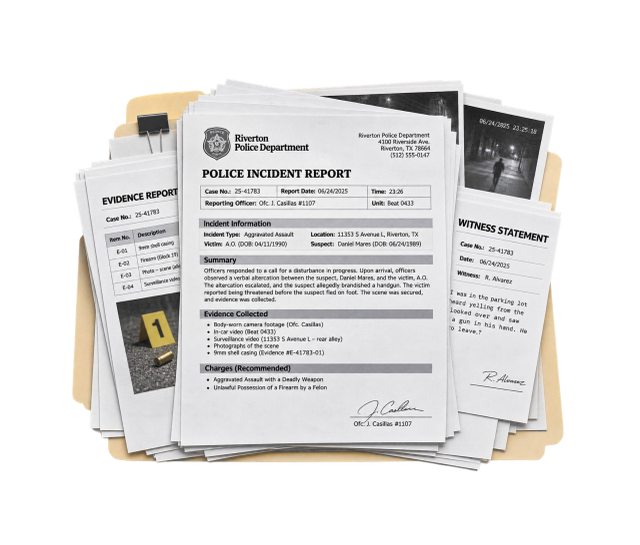
PDFs, Word docs, scans, & medical records
Photos & field notes

CDs, DVDs, & downloaded recordings

License plate readers & toll road records
Import From
 Google Drive
 Dropbox
 OneDrive

 Clio
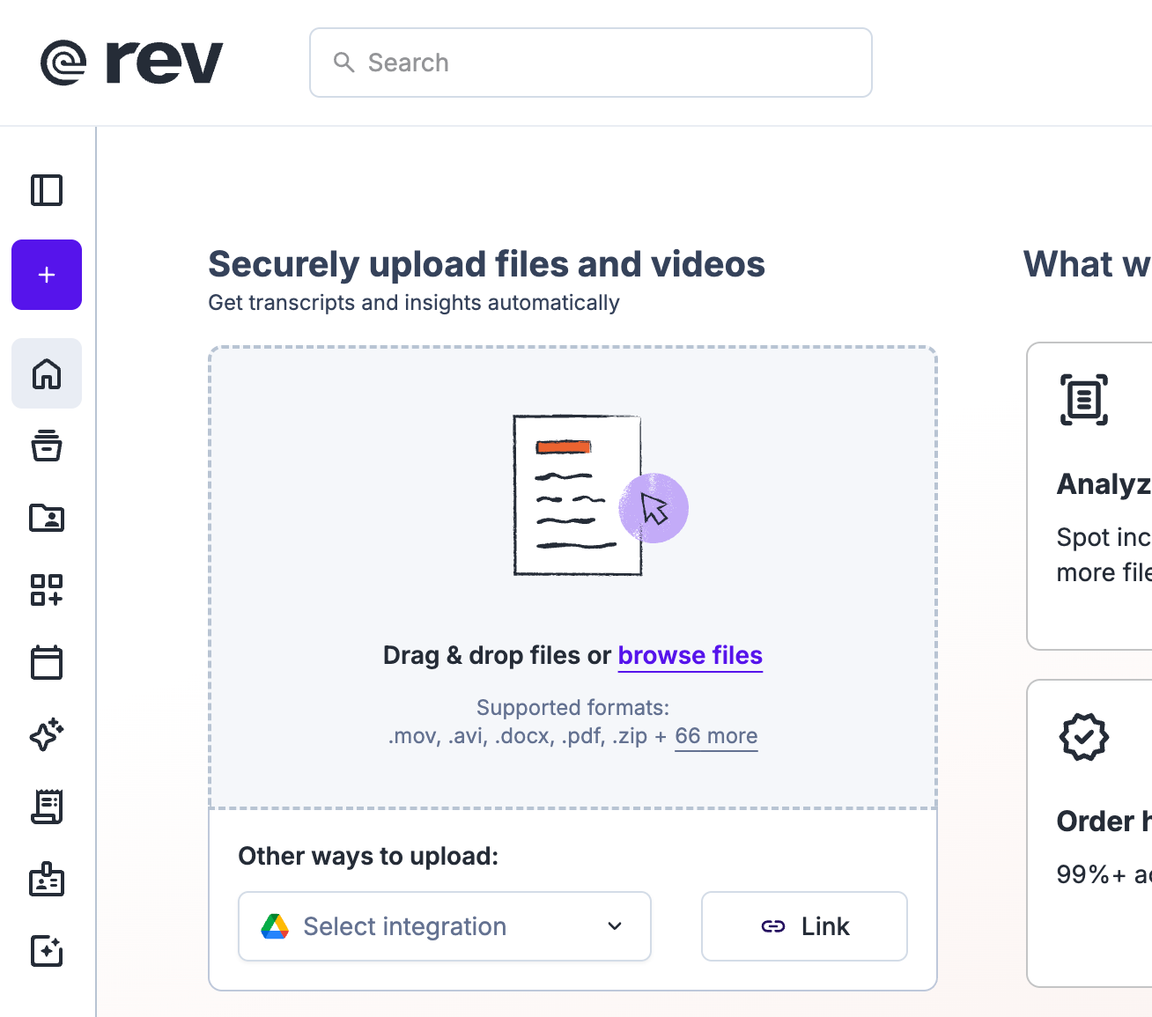

“When you're having to dig through a bunch of documents in a case, you can easily find that information with a couple questions to the insights AI function.”
Keif Storrar
Partner
Doubek, Pyfer & Storrar
Step 2
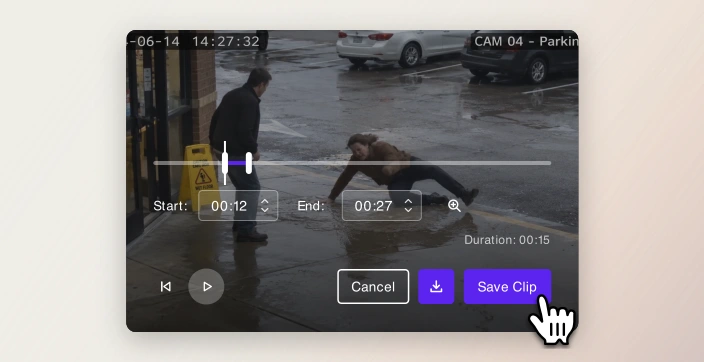
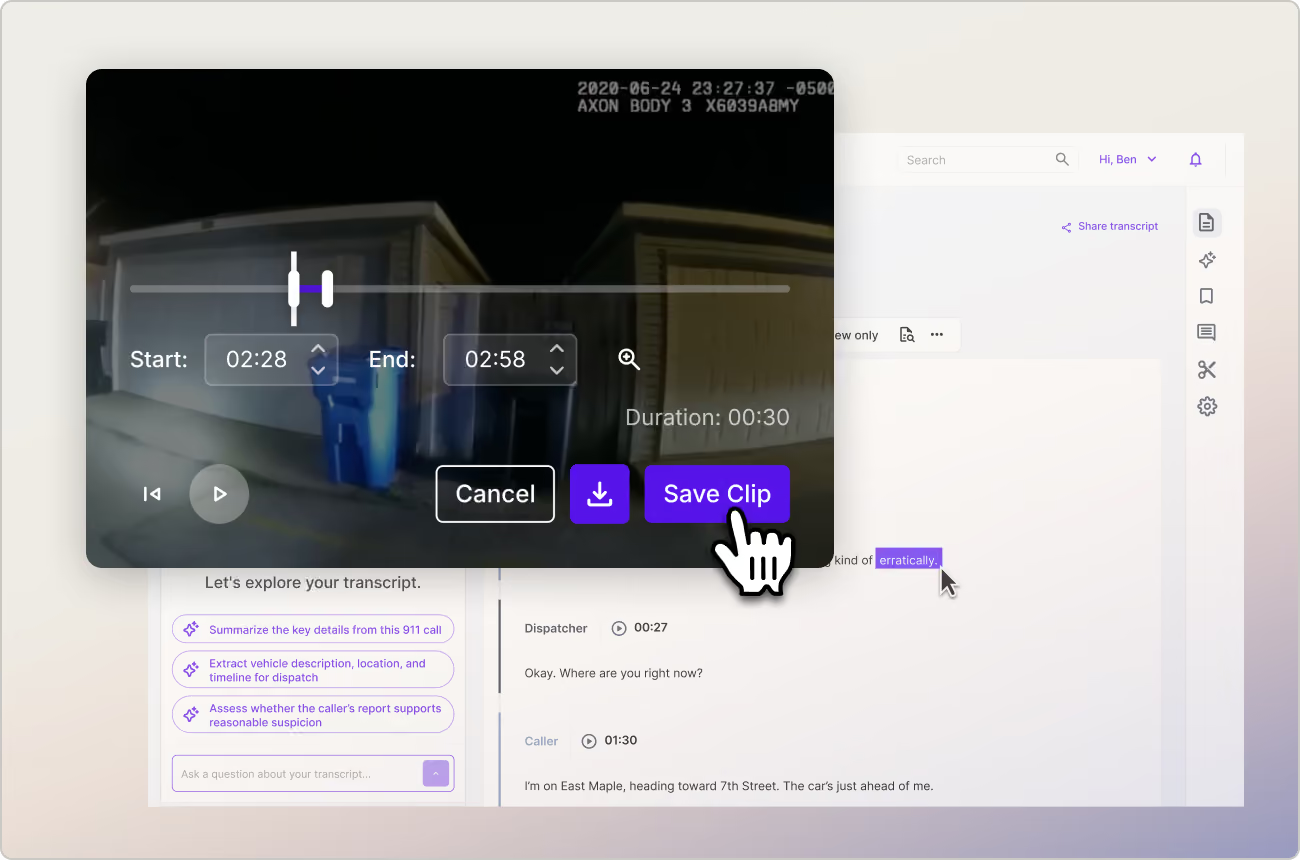
Locate testimony across recordings, then verify the wording in Transcript Editor without replaying files from the start.
“Being able to go to the text and do video clips in an instant by highlighting a transcript and say, “Clip this out.””
Keif Storrar
Partner
Doubek, Pyfer & Storrar
Step 3
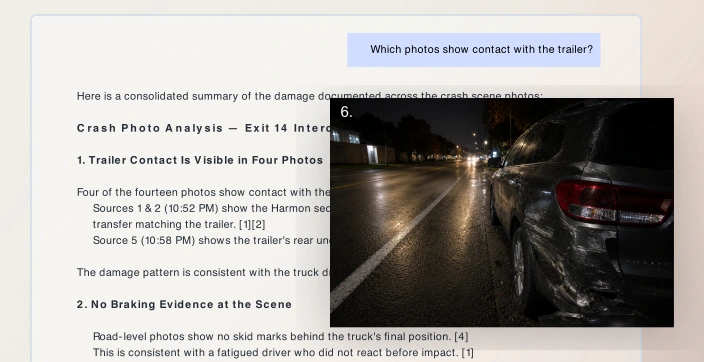
Use Rev Insights to search transcripts, reports, PDFs, Word files, and images for names, admissions, event sequences, or conflicting testimonyCheck the exact moment, passage, or image behind each citation before using it in a draftUse those findings to draft a chronology, deposition outline, affidavit, or case memo“Essentially, I'm becoming the advisory attorney reviewing the draft of the complaint.”
Keif Storrar
Partner, Doubek, Pyfer & Storrar
Case Studies
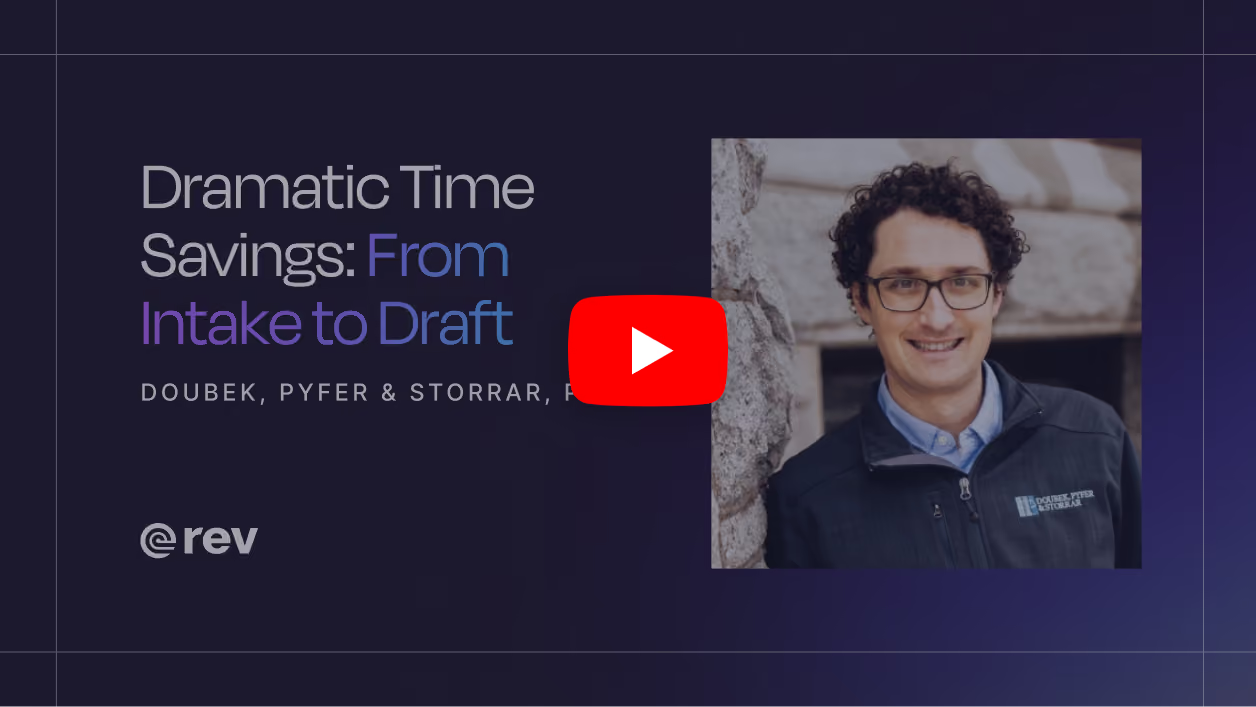
Watch Keif Storrar draft affidavits from client conversations and locate key testimony across the case with Rev.
Security
 Protect uploads and stored files with encryptionYour files aren’t used to train third-party AIDecide who can access each file or workspace

No Data Sold to 3rd Parties


HIPAA Available
CJIS and HIPAA compliance are available on Unlimited plans. HIPAA requires a signed BAA.