
20+ Paralegal Software Options For Improved Productivity
Learn what types of paralegal software every paralegal needs to improve productivity, streamline firm communication, and win more cases.

It’s a Monday morning and your to-do list includes conducting case law research, summarizing your findings, drafting a motion, and preparing a trial exhibit — all before lunch. How will you get it all done?
The best paralegals embrace technology to increase productivity – that’s where paralegal software comes in. Legal software for paralegals is any technology platform that can be used to manage one of the many tasks that paralegals are responsible for, from case management to drafting legal documents.
Below, let’s go over the types of software that can make a paralegal’s job easier, how these tools can improve productivity, and tips for making the most of paralegal software.
Document Management Software
One of the most critical components of a paralegal’s responsibilities is document creation and management. After drafting a document, it’s essential to stay on top of it, whether you need to reference something for a case, share it with an attorney for litigation prep, or send it to clients to collect signatures.
“Legal assistants are invaluable when it comes to document management: organizing evidence, indexing exhibits, and preparing trial binders,” says Jeffrey Reisman, lawyer at Jeffrey Reisman. “Without them, I’d be buried in administrative tasks and unable to deliver the same level of attention to each client.”
When looking for document management systems, consider security features, collaboration abilities, and storage capabilities. Here are a few of the best document management legal software options:

Transcription and Note Taking Tools
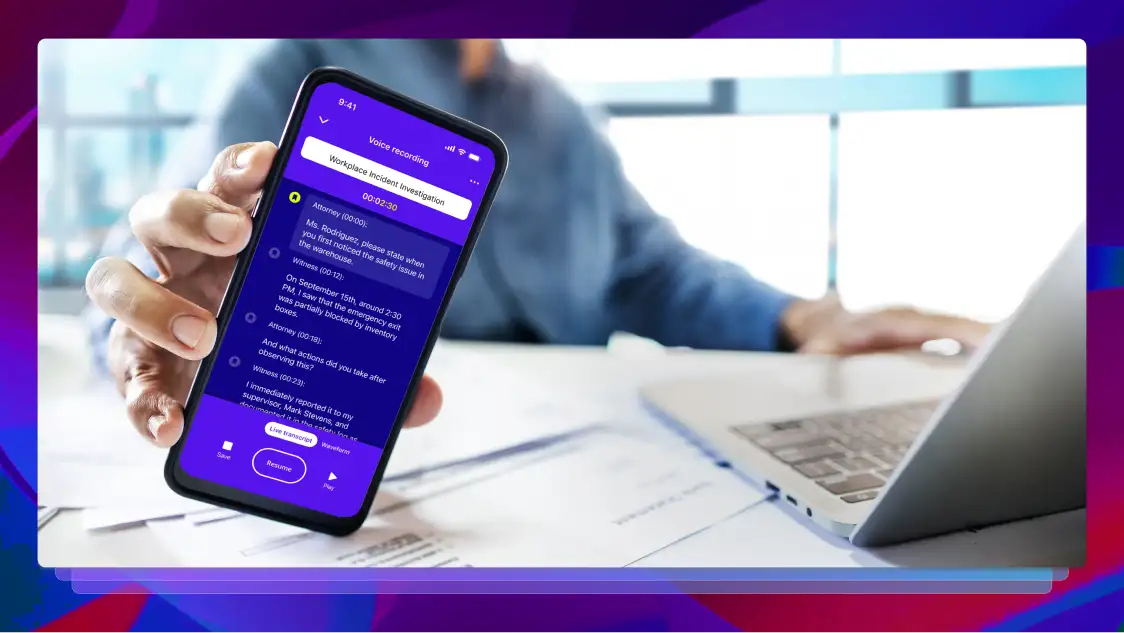
Whether you need to transcribe meeting notes or depositions, a legal transcription tool should be part of your tech stack. When you’re in the middle of drafting a motion, reviewing a piece of evidence for discovery, or preparing a digital trial notebook, the details matter. You need a tool that helps you quickly reference notes or conversations so you can spend more time on high-level matters. Look for tools that offer a quick turnaround time and transcription accuracy, in order to get the most bang for your buck.
It’s also a good idea to look for tools with built-in AI. AI can help speed up the transcription process and generate summaries so you can review dozens of files in the time it would normally take you to review one. Here are a few of the best legal transcription and note-taking software options:
E-Signature Tools
Given the sheer number of documents that paralegals need to get signed from clients and attorneys across multiple cases, a reliable e-signature platform is essential. E-signature tools allow paralegals to collect, sign, and manage legal documents quickly and easily.
Look for a platform that guarantees security with encryption or digital audit trails, streamlines your workflow with automations, and offers visibility into signature status. It’s also a good idea to look for collaboration features within your e-signature tool.
For example, if an attorney needs to make a request to change the information or language of a document before signing, they can leave a comment instead of sending it back. Here are a few recommendations for the best legal e-signature software options:
Legal Research Software
Paralegals spend a significant amount of time conducting legal research, so it’s important to choose a platform that fits within your workflow. The best legal research tools offer a wealth of legal documents, are accessible, and easy to use. Here are some of the best legal research software options:
Project Management Platforms
Another key responsibility of a paralegal is general project management. From handling scheduling to overseeing timelines and managing documents, paralegals make sure everything for each case runs smoothly.
“For me, paralegals are super helpful because they plan how things will work,” says Oliver Morrisey, director of Empower Wills & Estate Lawyers. “I've worked with paralegals that can handle ten cases at once and never miss a deadline. That level of precision is not up for debate in court.”
Project and case management software should make it easy for everything to move efficiently. Look for platforms that include task assignment, collaboration functionality, and calendar overviews. It’s also helpful when project management tools include built-in time tracking so you can easily track billable hours for each project. Here are our recommendations for the best legal research project management software:
Communication Tools
Paralegals are responsible for making sure everyone is on the same page and has the information needed to win cases. This calls for seamless communication. The best communication tools enable you to share information through various channels, whether you need to send a quick message to an attorney headed to trial, tune into a deposition, or contact clients. Here are some of the best legal communication software options:
Billing Software
Paralegals may also manage contracts and billing for the legal team. It’s important to use software for this to streamline the process and keep it organized for your accounting team. Look for tools that offer invoicing templates or automated invoices so you can speed up the billing and collections process and spend less time on administrative tasks. Here are a couple of legal billing software options:
Why Do Paralegals Need Software?
Paralegals need software to improve their workflow and productivity. With so many responsibilities within a legal team, paralegals can use all of the assistance they can get—and legal technology plays a big role.
For starters, software helps organize every case, document, meeting, and conversation within your firm. The bigger your firm is and the more complex your cases get, the more important it is to keep everything streamlined, organized, and easily accessible.
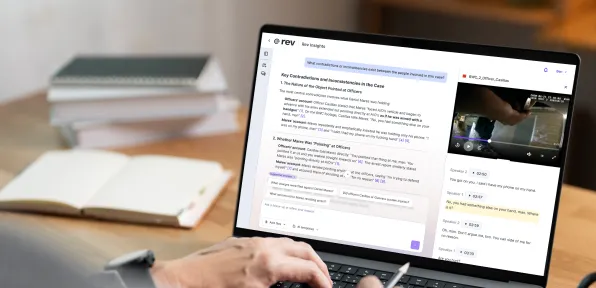
Paralegal software programs also save you time and money. Rather than spending hours manually searching through case documents, you can use AI to identify key facts, discover conflicting statements, or summarize conversations.
Administrative tasks can also be sped up using technology. For example, if you find yourself creating the same documents or contracts over and over, you can use project management software to create a template that you can copy for each client.
In fact, data from Thomson Reuters found that lawyers who used automation for generating legal contracts and documents reported an 82% increase in time savings. In addition, our recent survey on legal burnout and how technology is helping found that 11% of legal pros estimate financial gains of $100,000+ a year, just from implementing tech into their workflows.
What to Consider Before Selecting a Software
It can be tempting to try every legal assistance software available. But before you do, consider what your firm actually needs.
Conduct a short audit to understand where you’re currently spending most of your time. Maybe you find that you’re spending hours searching for documents or pouring over piles of evidence looking for specific information. Or perhaps you’ll discover that a lot of your time goes towards client communications, manually emailing over documents for signature, or setting up meetings.
Identify a few top priorities you want to focus on, then choose software that can help solve those needs. You may also find that, since some paralegal software offers multiple uses, you can check off more than one need with a single platform.
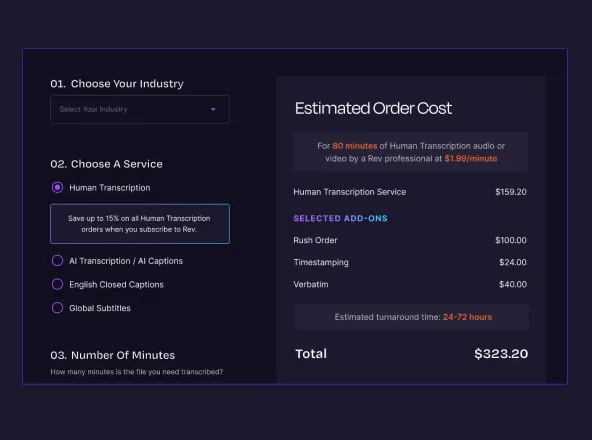
It’s also important to consider the time and costs involved. There may be a learning curve to some technology, and not every tool offers a free plan. Make sure you know how much the software costs and if it fits with your budget before you go forward with it.
Making the Most of Your New Tech Assistant
You can set up a comprehensive project management system, but if the attorneys or legal assistants on your team don’t know how to use it, then it won’t be productive. In order to make the most of your new tech, plan to give everyone on your team enough time and instruction to familiarize themselves with the new tools that you implement.
Another tip: Take advantage of integrations. Most tools are designed to connect with one another. For example, Adobe Sign integrates with Microsoft products, and Clockify can integrate with your project management software. Take advantage of integrations like these so you can consolidate as many tools as you can into one space.
The Future of Paralegal Technology
AI in law is changing the way paralegals work. A study conducted by Forrester Consulting on behalf of LexisNexis found that paralegals who use Lexis+ AI, the company’s generative AI workflow solution, will see a 50% time savings on administrative tasks. On the attorney side, 77% of lawyers who use AI said it increased their productivity.
The best paralegals embrace technology and AI. Today, many tools already have AI built into them, so you may not even need to adopt a new tool to experience the benefits. AI tools reduce the manual workload involved with reviewing evidence or drafting documents, but they can also help you identify patterns or details you may have missed on your own. Think of AI as your legal assistant who can take on the time-consuming tasks while you focus on high-level work.
Streamline Your Legal Workflow With Paralegal Software
Paralegals who use software and technology within their day-to-day work will see a huge uptick in productivity and reduction in burnout. Legal software like Rev increases efficiency by helping with everything from client management and legal research to drafting and managing documents. By using tools like Rev’s legal transcription or document analysis to streamline your day-to-day work, you’ll have more time to support your legal team with building strong cases.

.webp)