
Meet The New Rev Mobile App, Built For Legal Work In The Field
Rev's new app records voice memos, intake calls, and witness interviews offline, then syncs a searchable, speaker-attributed transcript to your dashboard.

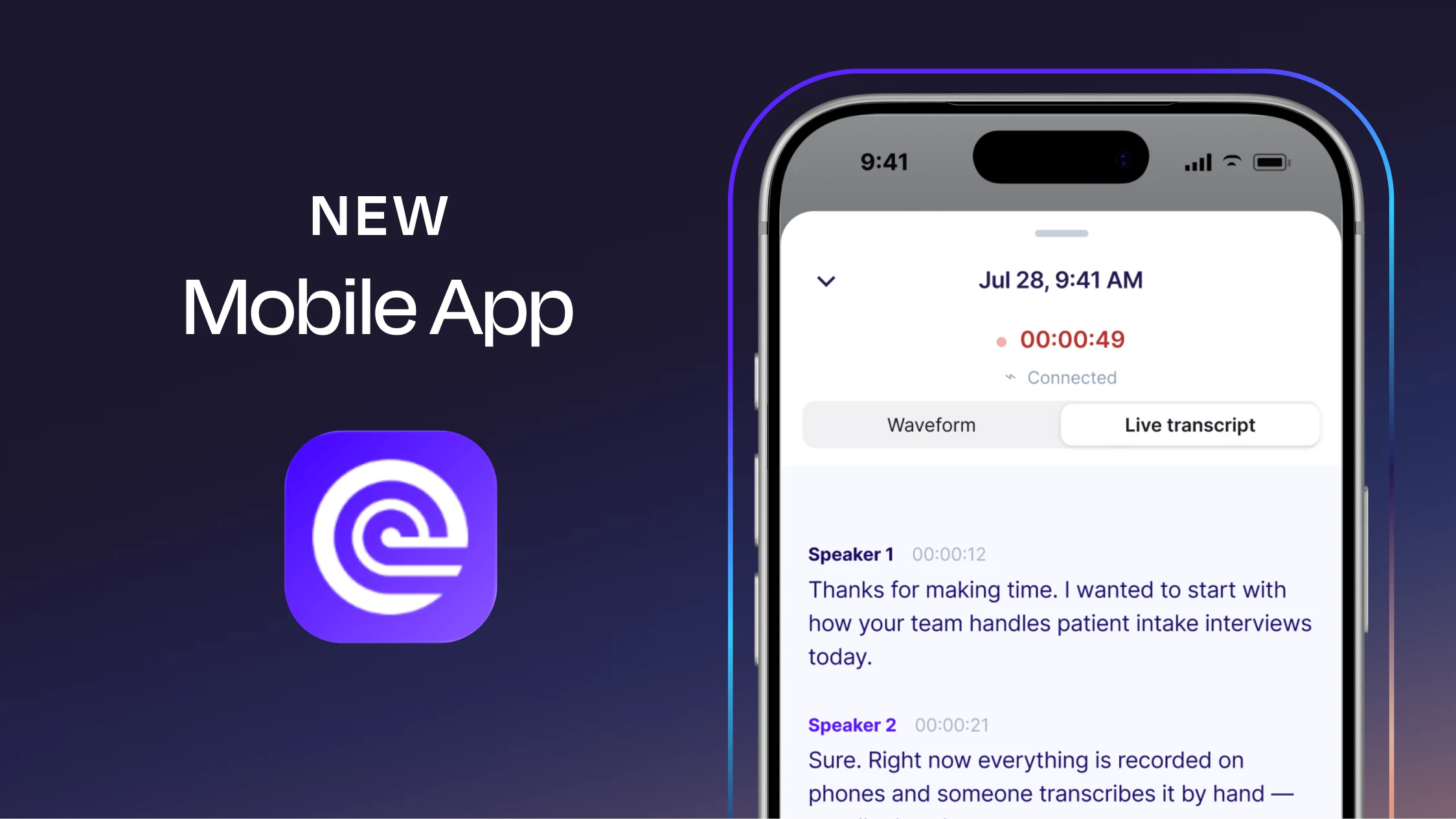
Legal work rarely stays at a desk. Witness interviews happen in conference rooms. Investigators are out in the field. Attorneys are taking notes between hearings, meeting with clients, and trying to make sense of new information wherever the case takes them.
So we rebuilt our app around that reality. The new Rev mobile app is designed to help legal professionals capture important conversations wherever they happen, then get that information back into Rev as a searchable, attributed transcript. In other words: Rev goes where the case goes. The field, the interview room, the courtroom, the client meeting.
Learn More About Our Recording App
Why We Built a New Rev App
Our old mobile app did the basics well: record audio, send it to Rev, and get a transcript. But legal teams need more than a recorder.
If you're conducting a 90-minute witness interview, you shouldn't have to worry about losing the recording because your signal drops. And when you're done, you probably don't want another audio file sitting on your phone waiting to be uploaded, renamed, and dealt with later. That's the problem we wanted the new app to solve.
Rev's rebuilt mobile experience is designed around reliable capture first. It can keep recording through poor connectivity, will automatically pause when you get an incoming call, warn you when your battery gets low, and send your recording back to your Rev workspace once you're connected again. The end result isn't just an audio file. It's a transcript you can actually start working with.
Record Now. Deal With the Evidence Now, Too.
Recording something is usually just the beginning. A witness interview still needs to be transcribed. Someone needs to review it. Important statements need to be found. The file needs to make its way back to the rest of the case materials. The new Rev app cuts out more of that in-between work.
As you record, Rev will generate a live transcript. Once the recording makes its way back to your workspace, Rev will polish the transcript, and then you can review it, read the summary, and start finding the information you need. That means an interview you record in the field can already be transcribed and searchable before you're back at the office.
Ask Questions About The Transcript
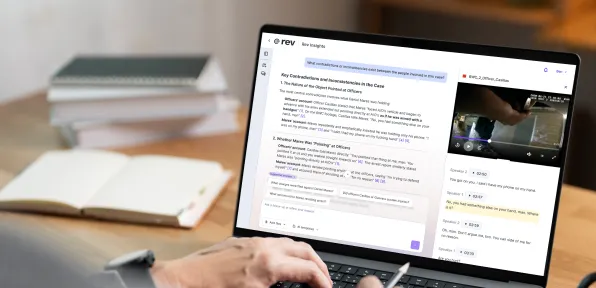
Sometimes you don't want to reread an entire interview just to answer one question. The new mobile app lets you chat with an individual transcript and ask questions about what was said. You might use it to quickly revisit a date, find a name that came up during an interview, or remind yourself how a witness described a specific event.
One important distinction: AI chat currently works within one transcript at a time. It doesn't search or analyze multiple transcripts together from the mobile app. More to come here soon!
Find The Right Recording Faster
Anyone with a growing folder of recordings knows how quickly auto-populated names like "Recording 47" stop being helpful. The new app makes it easier to get back to the right file. You can search your files, move files between Rev workspaces, and use topically relevant AI-generated file names to keep recordings easier to identify.
You can also upload existing files directly from your phone. That can be especially helpful for investigators and attorneys collecting evidence away from the office. Instead of keeping everything scattered across a phone, recorder, email inbox, and laptop, you can get those files into Rev while they're still fresh.
Share What You Find
Legal work is rarely a one-person job. From the mobile app, you can share transcripts and summaries with other people and manage who has access at every level. You can also copy the entire transcript text or the summaries when you need to move things around.
For teams handling sensitive information, Rev also protects customer content with encryption and maintains SOC 2 Type II certification. Rev supports HIPAA-compliant workflows on Unlimited plans and doesn't use customer files to train third-party AI models.
Built For The Places Legal Work Actually Happens
The goal wasn't to cram the entire desktop experience onto a smaller screen. It was to make the parts of Rev that matter most in the field easier to use when you're actually there.
That could mean recording:
- A witness or client interview
- An investigative interview in the field
- Notes immediately after a hearing
- A site visit or inspection
- A case-planning conversation with your team
The common thread is simple: something important is being said, and you don't want the useful part of that conversation trapped in an audio file.
Take Rev With You
Legal evidence doesn't arrive neatly between 9 and 5, and it definitely doesn't wait until you're sitting in front of a laptop. That's why we rebuilt this new experience. With the new and improved Rev, you can take work on the go without sacrificing usability.