
10 Legal AI Tools That Actually Help Lawyers
From evidence and contract analysis to research and drafting tools, these 10 legal AI tools will help you work faster without sacrificing accuracy.


The legal profession has never been short on complexity — but it's always been short on time. Between billable hours, client communications, document review, and trial prep, attorneys carry one of the heaviest workloads in any profession.
However, the right legal AI tool can cut document review from days to hours, surface critical case details buried in testimony, and keep your practice running smoothly across dozens of active matters. Here are the best options on the market right now.
1. Rev
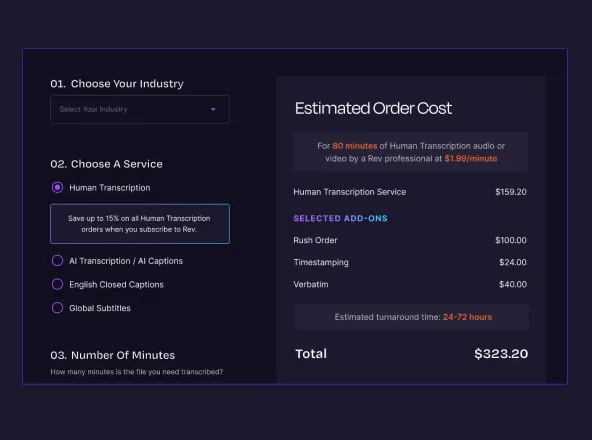
Rev offers the best of both worlds: high-grade AI transcription when speed is required, and human-generated transcription when the stakes are high — making it ideal for the high-stakes demands of legal work.
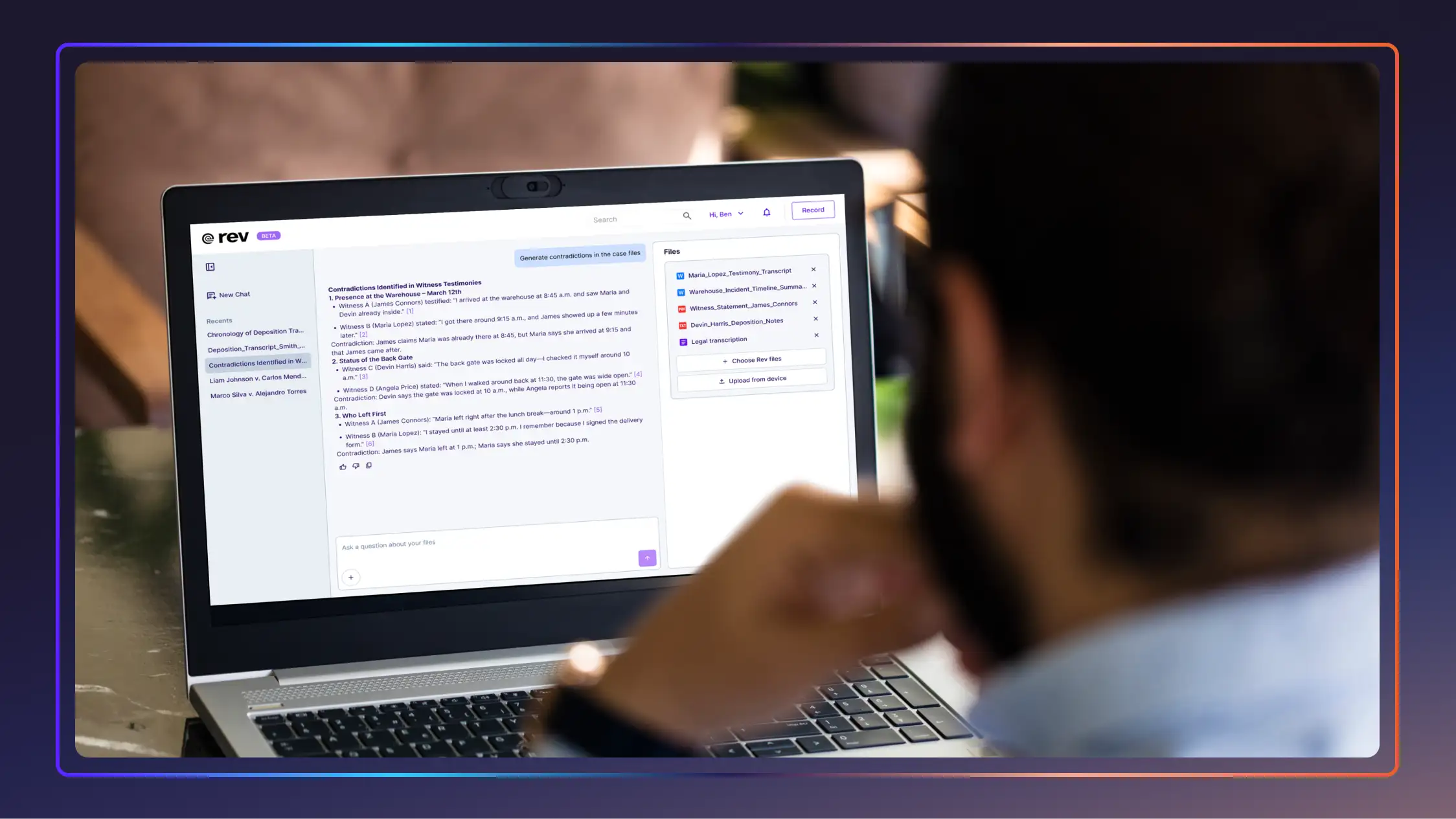
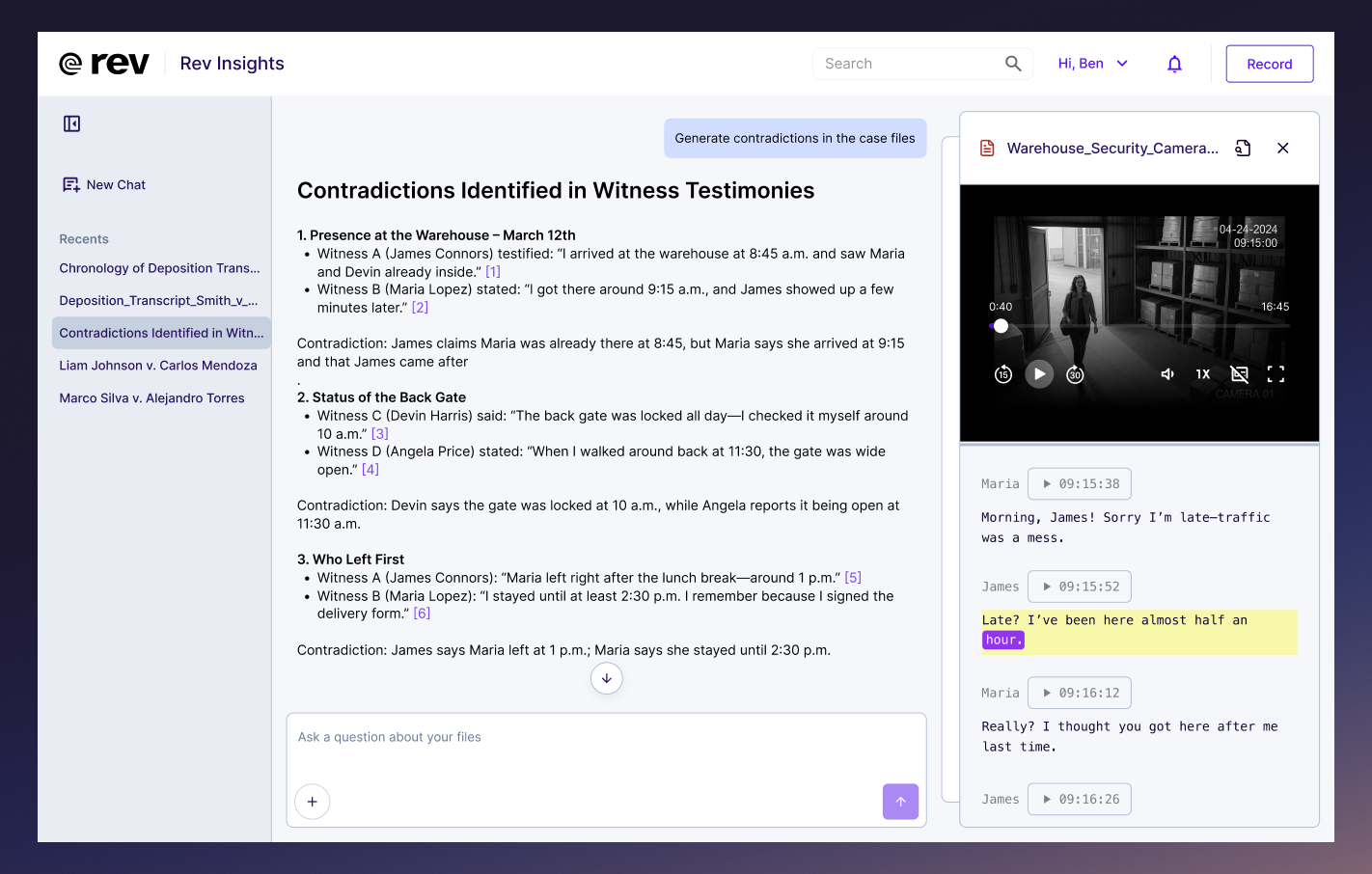
Its Multi-File Analysis feature lets attorneys upload hundreds of audio, video, and text files and instantly surface contradictions and key facts that might otherwise fall through the cracks. For depositions, their SmartDepo service delivers AI-powered deposition summaries with 100% page-line accuracy. Rev is also the first-ever AI partner named by the State Bar of Texas.
- Cost: Starts at $29.99/month; limited free tier available
- Best For: Litigation, criminal defense, prosecution, and attorneys working with audio or video evidence
- Pros: Best-in-class accuracy; human-verified option; purpose-built legal features; enterprise-grade security
- Cons: Core strength is audio/video workflows; less focused on contract drafting
- G2 Rating: 4.7/5
2. Clio Duo
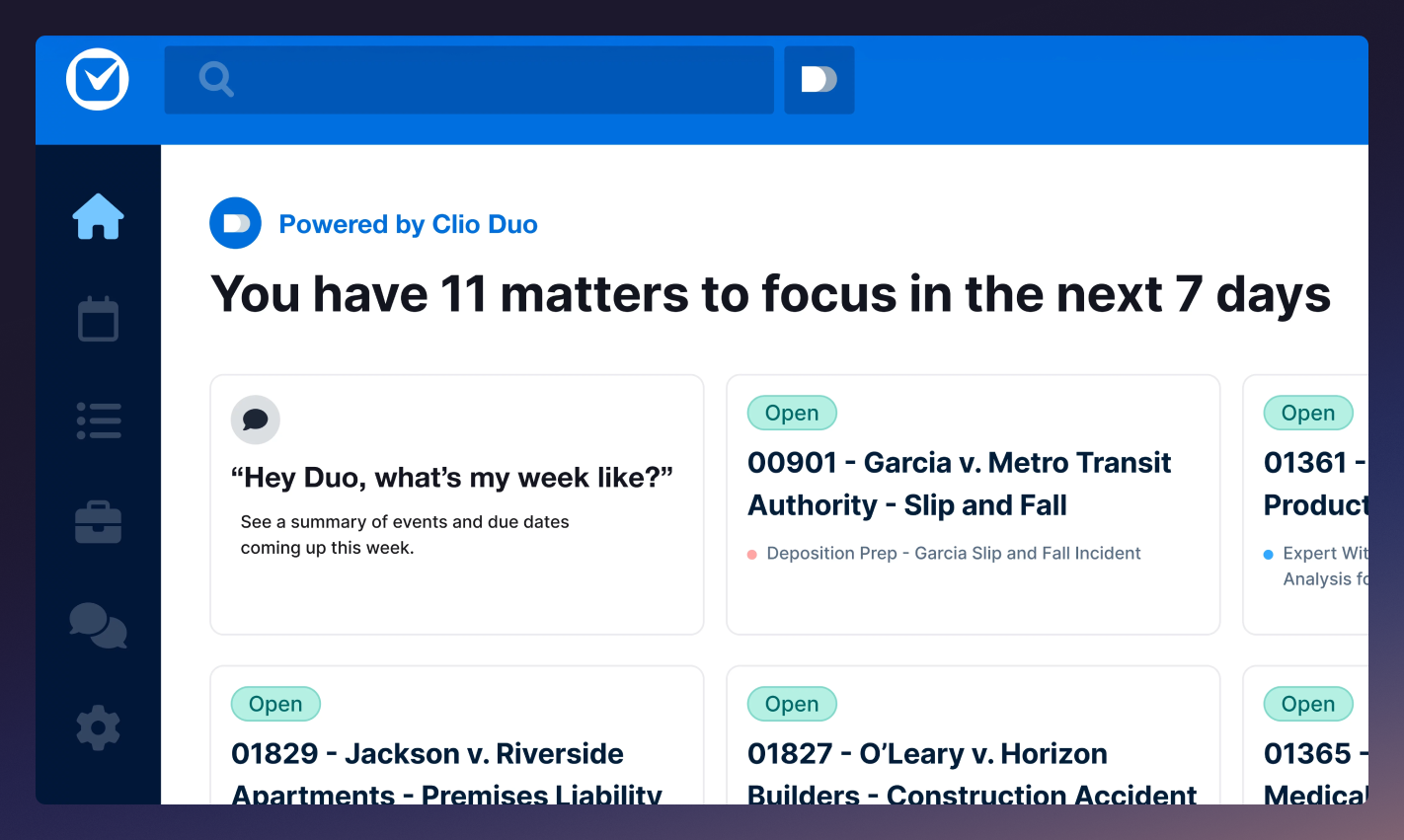
Built directly into the Clio practice management platform, Duo is an AI legal chatbot that summarizes documents, flags deadlines, prioritizes tasks, and drafts client communications — all informed by your actual caseload data. For firms already on Clio, it's the most frictionless AI upgrade available.
- Cost: Starting at $49/user
- Best For: Small to mid-size firms already using Clio
- Pros: Deep integration with existing Clio data; no separate tool to learn
- Cons: Only useful within the Clio ecosystem
- G2 Rating: 4.7/5*
*Rating is for the overall Clio system
3. Harvey AI
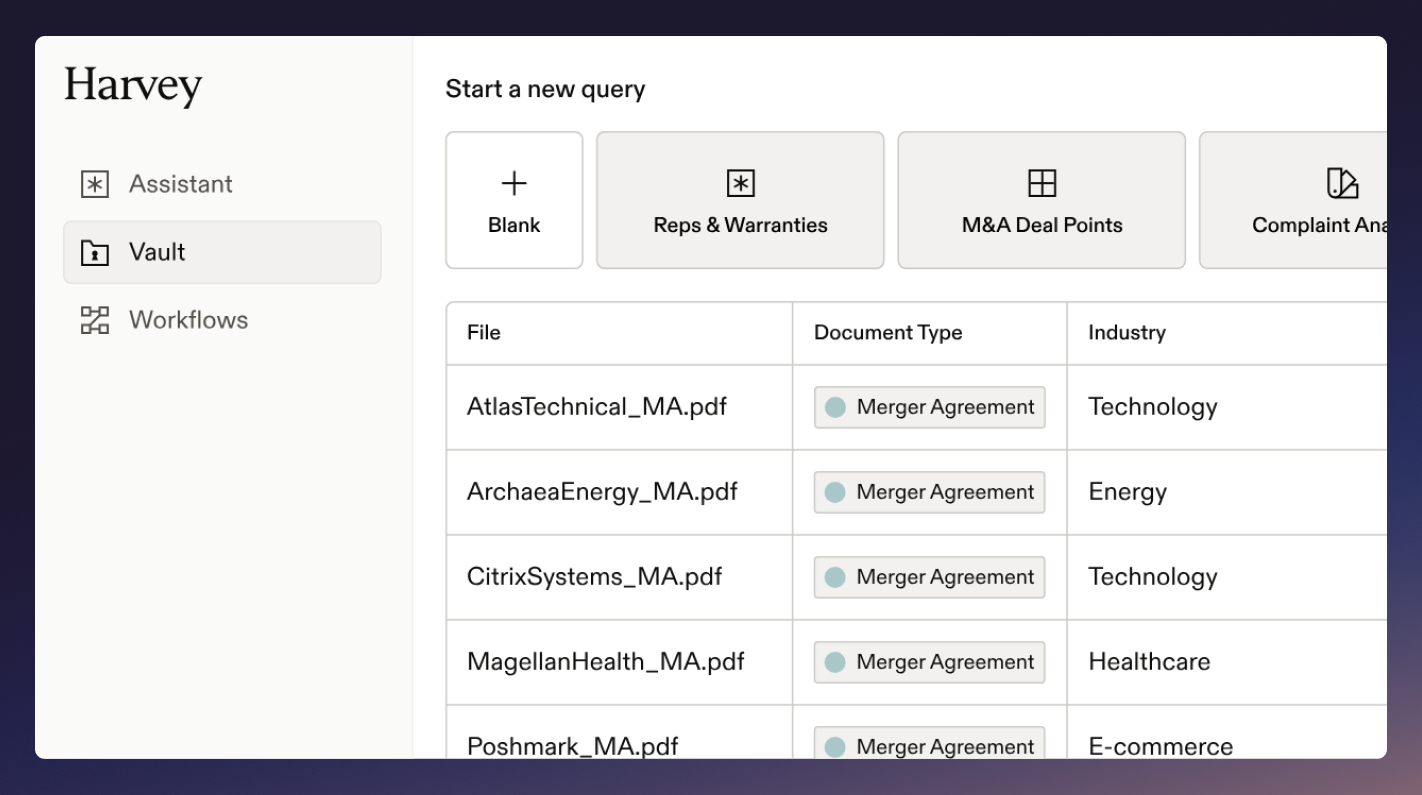
Harvey is built for large law firms and in-house teams. It drafts contracts, conducts legal research, and analyzes complex documents at a scale that would take a junior associate days to complete. The brand has been growing fast, most recently raising $200 million at a $11 billion valuation.
However, smaller firms may find the cost prohibitive, so it's worth reviewing the best Harvey AI alternatives for attorneys before committing.
- Cost: Custom pricing
- Best For: Large law firms and in-house teams with high-volume drafting and research needs
- Pros: Sophisticated legal reasoning; strong security; purpose-built for law
- Cons: High cost; not designed for solo practitioners or small firms
- G2 Rating: 4.5/5
4. Westlaw AI
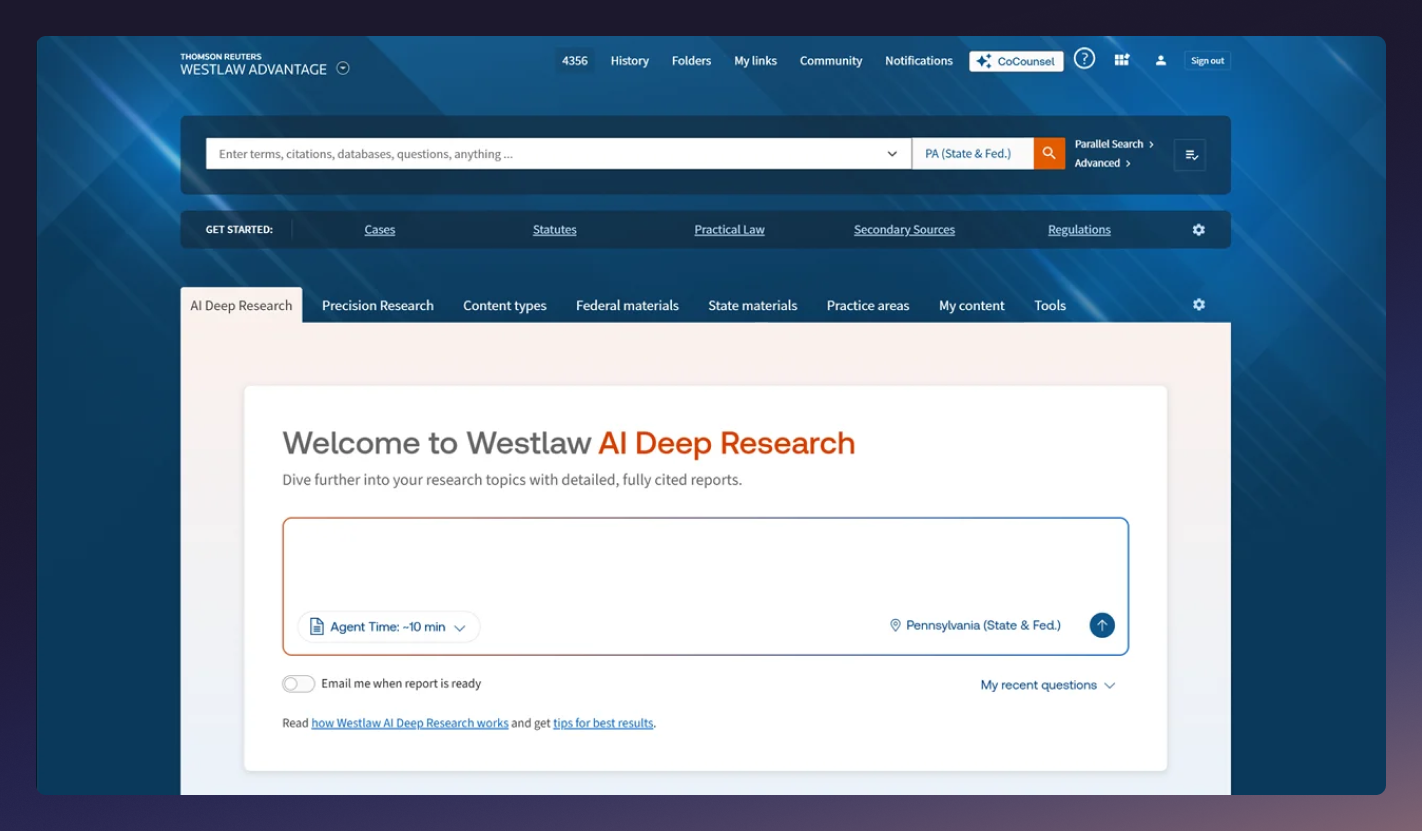
Westlaw, part of the Thomson Reuters ecosystem, is a database that helps answer legal questions, pull and synthesize case law, and draft research memos — all with citations traceable to actual sources. In a field where hallucinated citations are a serious professional liability, citation integrity is its most important feature.
- Cost: Custom pricing
- Best For: Research-heavy practices that need verified citation accuracy
- Pros: Built on 40,000+ databases; citation accuracy is high
- Cons: Premium pricing; less intuitive for attorneys unfamiliar with Westlaw
- G2 Rating: 4.4/5
5. Everlaw
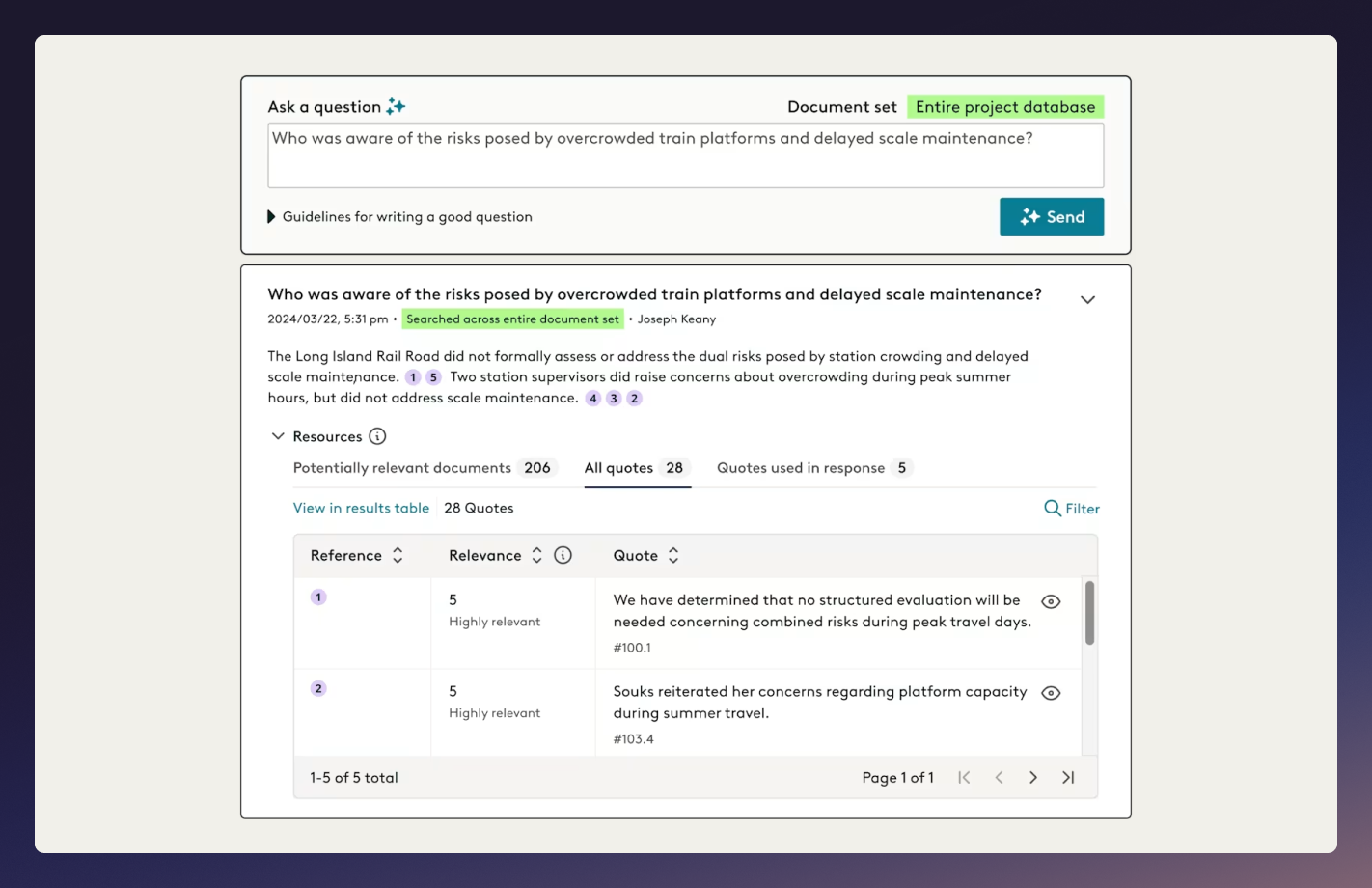
Everlaw is a cloud-based e-discovery platform with AI-powered predictive coding, near-duplicate detection, and concept clustering. It also acts as a legal assistant with its included trial prep tools — sticky notes, chronologies, and narrative builders — that help attorneys organize a case theory within a single platform.
- Cost: Custom pricing
- Best For: Litigation firms with complex, high-volume discovery
- Pros: Predictive coding cuts review burden significantly; strong trial prep features
- Cons: Overkill for practices without significant discovery work
- G2 Rating: 4.7/5
6. Kira Systems
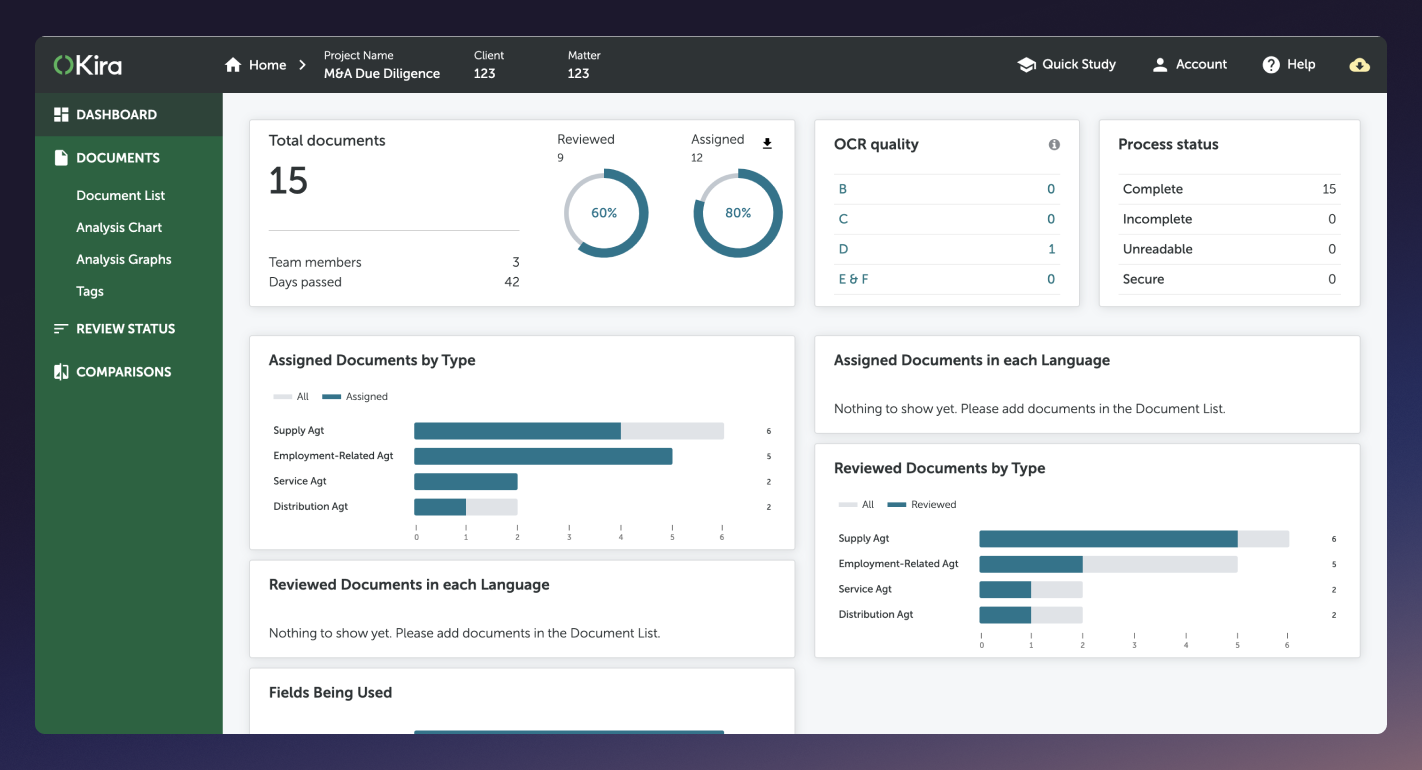
Kira analyzes contracts at scale, identifies key provisions, flags unusual clauses, and surfaces deviations from standard terms — critical for due diligence on large contract portfolios. It can be trained on your firm's specific contract language, which helps to improve the large language model’s accuracy over time.
- Cost: Custom pricing
- Best For: Corporate, M&A, and real estate practices with high contract review volume
- Pros: Highly accurate; customizable; strong security
- Cons: Limited utility outside contract review
- G2 Rating: N/A
7. Lexis+ AI
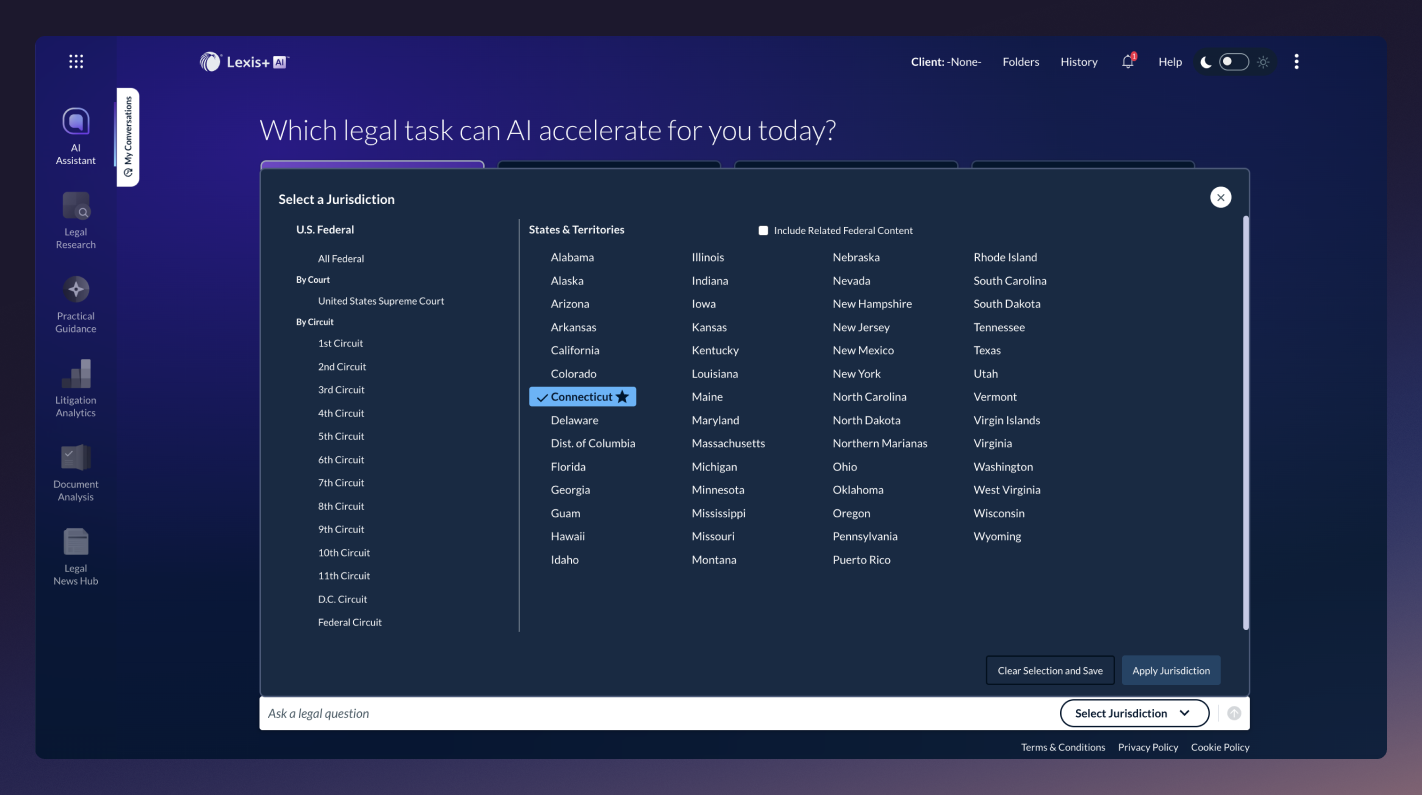
Lexis+ AI brings conversational research to LexisNexis's extensive database. Attorneys ask plain-language questions and receive synthesized answers with direct links to supporting authority. Its Brief Analyzer benchmarks arguments against relevant case law — useful for both drafting and reviewing opposing counsel's filings.
- Cost: Custom pricing
- Best For: Attorneys who rely on LexisNexis and want AI natively integrated
- Pros: Vast database; strong for regulatory and secondary source research
- Cons: Overlaps with Westlaw for firms that already have one legal research subscription
- G2 Rating: 4.1/5**
**Rating is for the overall Lexis system
8. Smith.ai
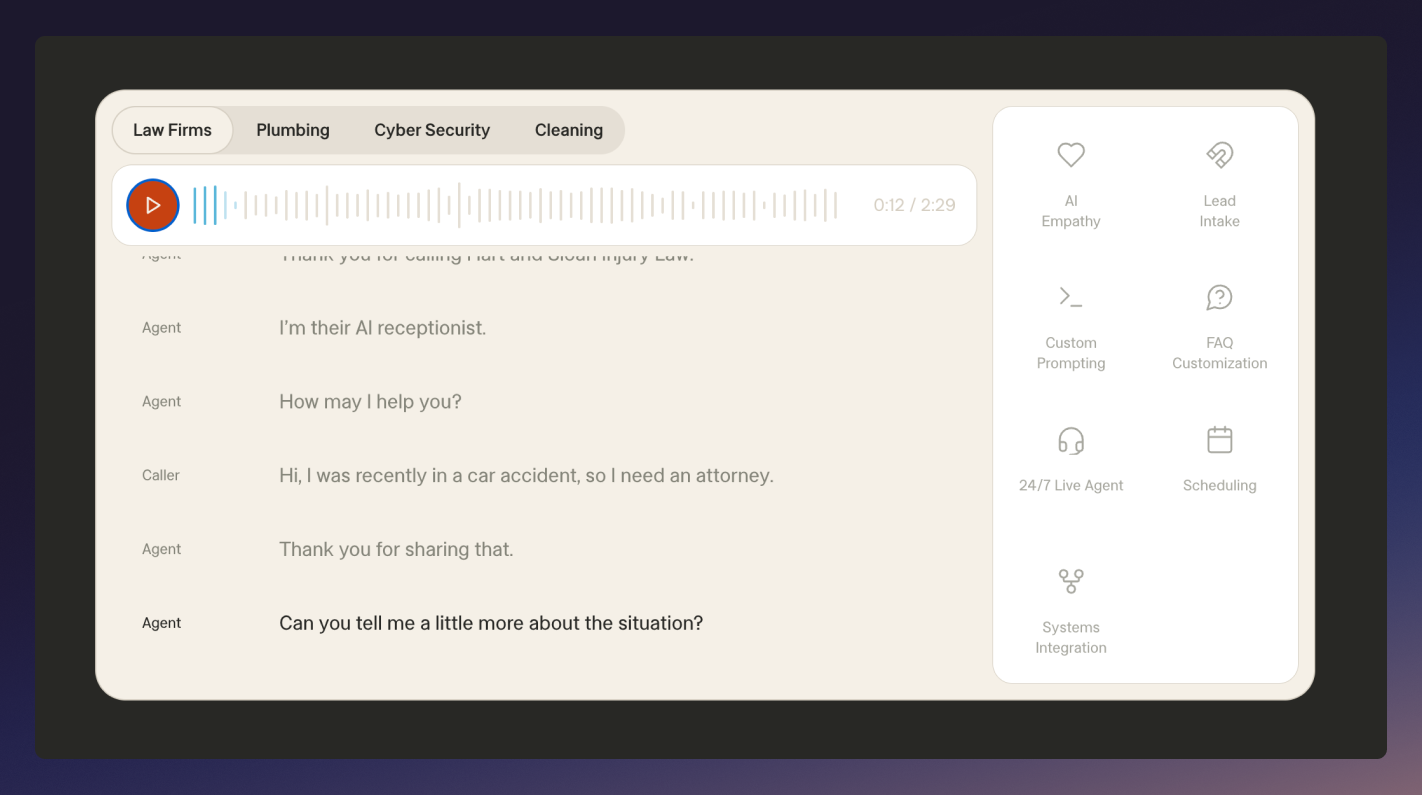
Smith.ai handles inbound calls, chats, and texts with AI — screening for spam, gathering intake information, and booking consultations directly into your calendar, 24/7. For solo practitioners and small firms, missed calls mean missed clients. Smith.ai is an AI assistant that solves that potential problem without requiring a full-time receptionist.
- Cost: Starts at $95/month
- Best For: Solo practitioners and small firms with high inbound call volume
- Pros: 24/7 coverage; reduces missed client opportunities; integrates with most legal practice management software
- Cons: Less useful for firms with dedicated intake staff already in place
- G2 Rating: 4.7/5
9. Spellbook
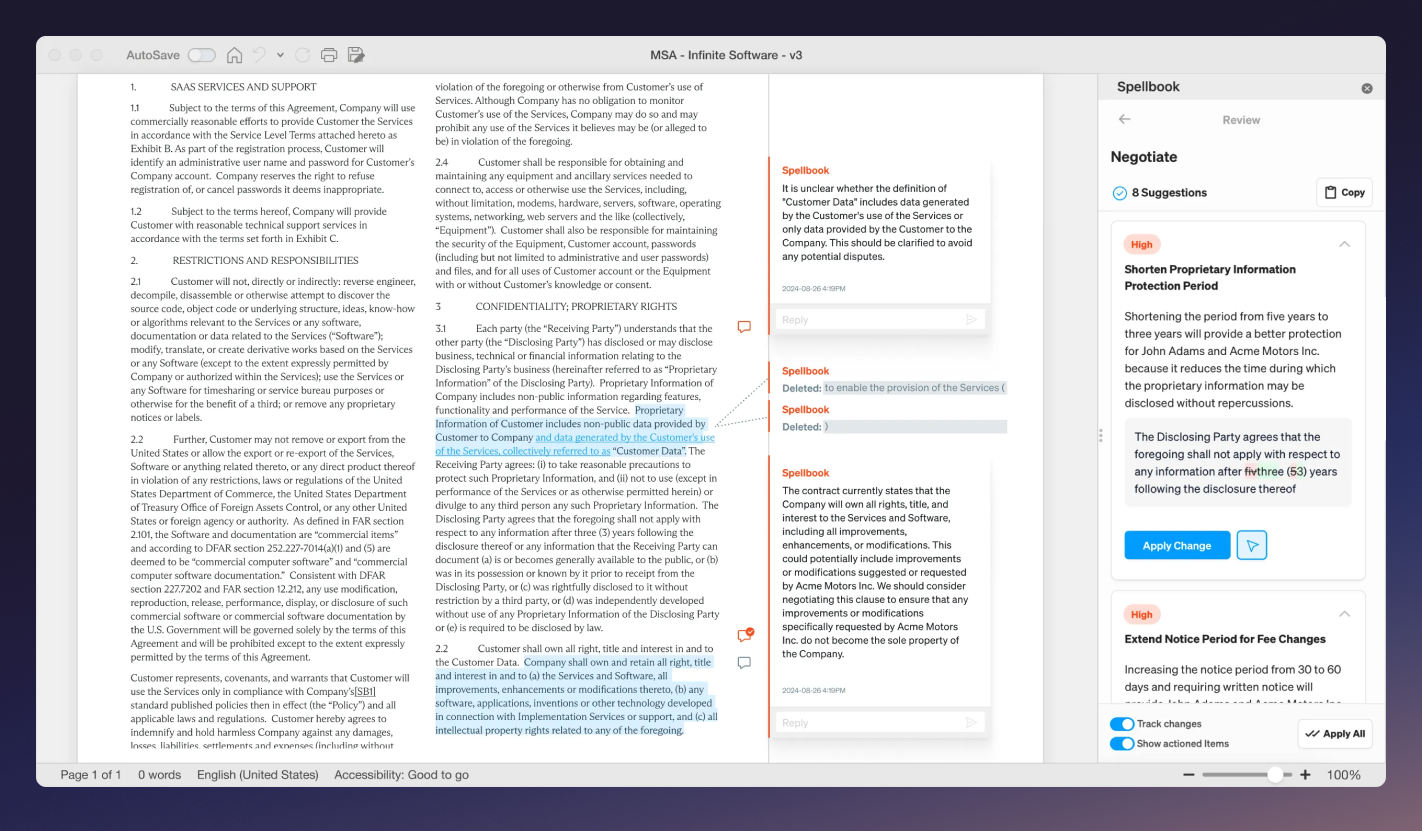
Spellbook is an AI contract drafting tool built into Microsoft Word. Open your contract, and Spellbook analyzes it, flags aggressive or unusual clauses, and suggests language improvements — without requiring any new platform or workflow change. It's the most accessible AI for attorneys focused on transactional work.
- Cost: Custom pricing
- Best For: Transactional attorneys and in-house counsel who draft contracts in Word
- Pros: Works inside Word; fast clause suggestions; easy to adopt
- Cons: Limited to contract work; not useful for litigation or research
- G2 Rating: N/A
10. Luminance
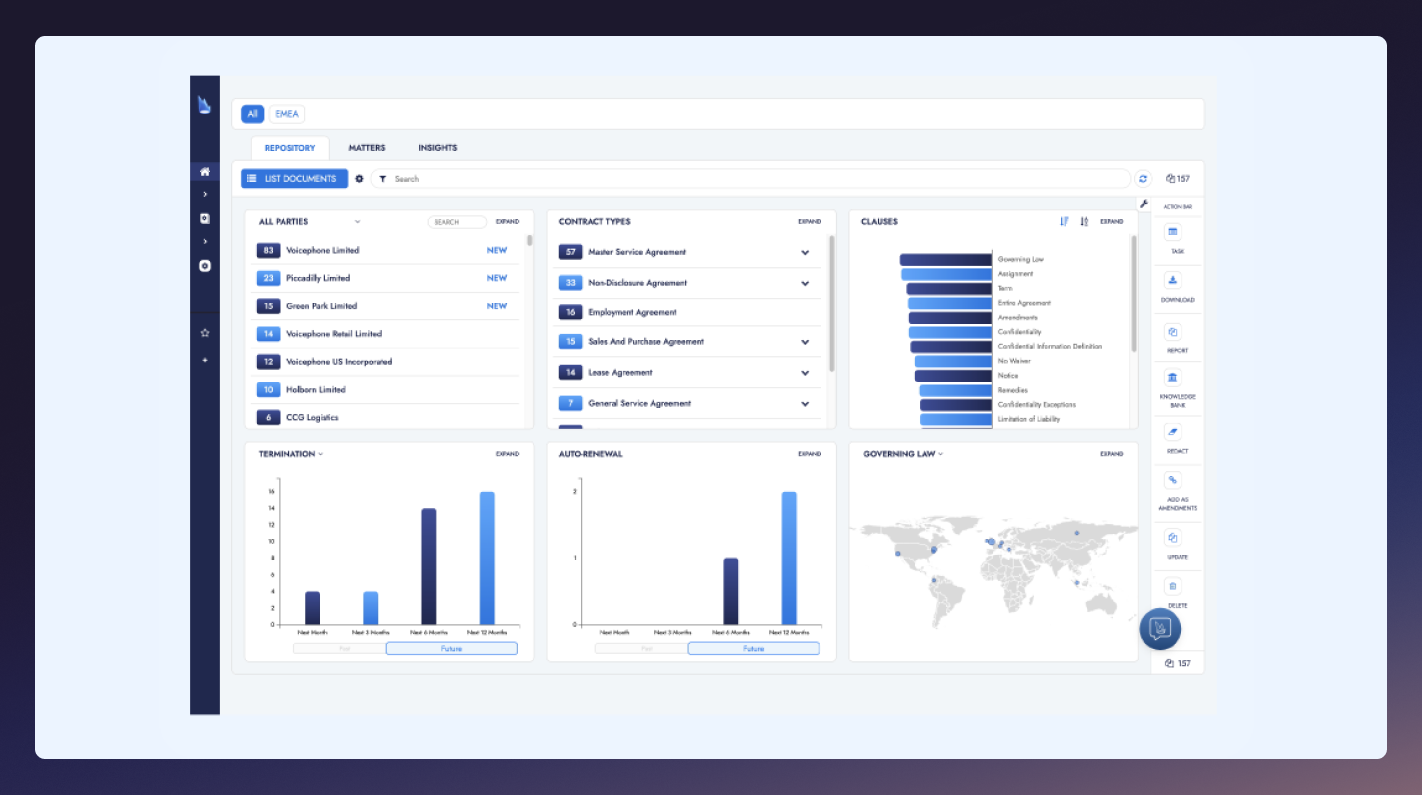
Luminance uses Legal-Grade™ AI to review contracts and legal documents without requiring labeled training data — a meaningful advantage for cross-border and multilingual work. Its negotiation module tracks redlines and manages contract back-and-forth in real time.
- Cost: Custom pricing
- Best For: Large firms and in-house teams with multilingual or cross-jurisdictional document review needs
- Pros: Strong multilingual capabilities; no labeled training data required; fast at scale
- Cons: Enterprise pricing; not designed for small firms
- G2 Rating: 4.9/5
How Much Do Legal AI Tools Cost?
Legal AI tools can range from $29.99 to $1,000+ per month for enterprise plans, with exact costs depending on the tool selected, the size of your firm, and the features needed.
However, it’s worth noting that free legal artificial intelligence options exist (Rev offers a limited free tier), but the volume of work required in a typical law firm often warrants a paid plan. To make sure you’re getting the most out of your money, match the cost to the use case: a tool that saves 10 hours of associate time per week has a clear ROI; one sitting underutilized does not.
How To Choose The Right AI Tool For Your Firm
Start by defining your biggest bottleneck — document review, client intake, legal research, or deposition prep — since different tools solve different problems. Then evaluate:
- Accuracy and citation integrity for research and drafting tools
- Security and compliance with your jurisdiction and state requirements
- Integration with your existing tools for smooth workflows
- Easy onboarding so your team can get to work quickly
- Free trial options to try out the product before committing
“Using the right tools can make the work easier,” says Aaron Silvers, personal injury lawyer at Schilling & Silvers.
“Case management software keeps track of documents, deadlines, and communication. eDiscovery tools are also helpful, especially when there are numerous digital files to review. When choosing a tool, it is best to look for one that is simple to use and does not slow down the team. The most advanced software is not always the most practical.”
Benefits Of Integrating Legal AI In Your Workflow
Legal professionals report that AI could save them 6-10 hours of work per week on various legal tasks, according to our 2025 AI in Criminal Defense Study. That’s 40 hours a month back, time that can go directly toward client communication and billable work.
Our study also revealed that lawyers believe AI outperforms traditional methods of evidence analysis, as AI and speech tech can categorize, analyze, and summarize hundreds of documents up to 120x faster than manual analysis.
For smaller firms, AI for attorneys is an equalizer, enabling solo practitioners to compete with larger firms on research depth and document review speed in ways that weren't possible just a few years ago.
“Never treat technology as an answer for everything. Establish the logic of your case first, then decide what tool reduces friction at the bottleneck you flagged,” explains David Gammill, Attorney at Gammill Law Accident & Injury Lawyers. “A simple, enforced folder taxonomy can protect most practitioners from lost documents, while eDiscovery tools earn their keep only when data scale or privilege review would drown a small team.”
Legal AI Risks + Mitigation
The most significant risk is hallucination — AI generating confident but incorrect information, including fabricated case citations, which has already resulted in court sanctions. The fix is a non-negotiable workflow: legal teams should never submit AI output without human review, and they should always verify citations against primary sources.
Another important factor to consider is data privacy. Legal information is inherently sensitive, so any tool you bring on board must protect your data and follow local rules and regulations. Look for CJIS, SOC II, GDPR, ISO 27001, and HIPAA compliance in your new tools, and make sure to review their privacy policy and data retention practices as well.
Start Working Smarter With Legal AI
Looking to the future, the question isn't whether to use legal AI tools — it's which ones to prioritize. Rev is one of the most practical AI solutions for any legal practice working with spoken evidence, depositions, or recorded interviews. But don’t just take our word for it.
“We use Rev every day to transcribe depositions, client meetings, court recordings, and video prep sessions,” states Cierra Wilson, Attorney at Cierra Esq. “This tech helps us generate comprehensive case summaries, timelines, and issue-focused reports without burning hours on manual review. It’s how we stay both efficient and strategic.”
With a free tier, human-verified transcription for critical work, and purpose-built features like Multi-File Analysis and SmartDepo, it's built for the accuracy and security demands of legal practice. Go deeper into case management with our free case management template.
.webp)


.webp)