
Understanding ADA Title III Compliance in Higher Education
Learn Title III ADA requirements for higher education, including accessibility rules, common violations, and practical steps to stay compliant.


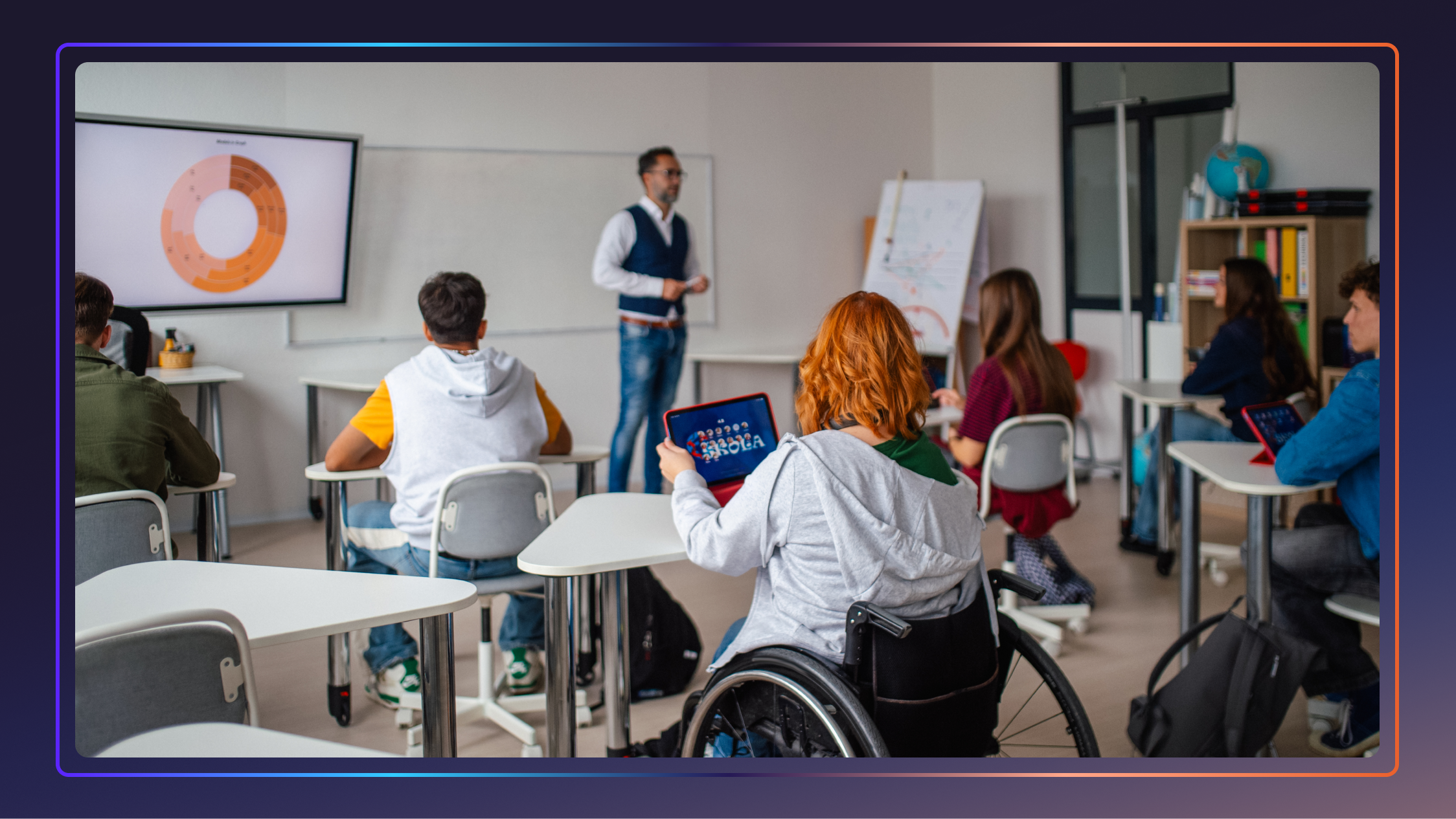
A modern college campus is much bigger than its physical lecture halls and administrative buildings. Instruction can happen in learning management systems (LMS), recorded lectures, student portals, mobile apps, and virtual classrooms — all of which must be accessible to students with disabilities under ADA Title III.
While the Americans with Disabilities Act has long shaped accessibility requirements in higher education, the puzzle has gotten much more complex as things have moved increasingly online. That’s made Title III compliance more relevant and complicated than ever.
In this guide, we’ll break down what Title III of the Americans with Disabilities Act requires, how it applies in modern education settings, and what colleges and universities need to do to meet these requirements, especially amid changing expectations around digital accessibility.
What Is Title III Of The ADA?
ADA Title III is the section of the Americans with Disabilities Act that requires universities, businesses, and nonprofit organizations to provide people with disabilities equal access to their goods, services, and facilities. The list of affected entities includes restaurants, retail stores, hotels, healthcare providers, entertainment venues, and educational institutions like private colleges, vocational schools, and even testing centers.
To meet this standard, covered organizations must make reasonable changes such as offering sign language interpreters, adding captions to video content, and adapting policies and materials to remove physical and digital barriers.
What Counts As A “Public Accommodation” In Education?
Under Title III of the ADA, a “public accommodation” is a private organization or business that offers goods, services, or facilities to the public. In education, this includes private K-12 schools, colleges, universities, vocational schools, and testing centers.
That may sound confusing — “public accommodation” applying to private institutions — but it helps to think of it in terms of access rather than ownership. If an organization offers services to the public, it must make those services accessible to all.
ADA Title II vs. Title III
The main difference between ADA Title II and Title III is who the law applies to. Title II of the Americans with Disabilities Act covers state and local government entities, including local public school systems, state universities, and community colleges. Title III, meanwhile, applies to private businesses and nonprofit organizations that serve the public, such as private colleges, universities, vocational schools, and testing centers.
In practice, the accessibility expectations under both titles are often very similar. Whether an institution is public or private, schools are generally expected to provide equal access to programs, services, communication, and learning environments.
How ADA Title III Applies In Education
ADA Title III applies to private educational institutions that offer goods or services to the public. In higher education, this includes most private colleges and universities, vocational and trade schools, private testing centers, tutoring services, and other training programs.
As with other public accommodations, the Title III requirements for higher education institutions extend beyond physical spaces. Online schools, virtual training programs, and digital services must also be accessible. That includes websites, LMS, recorded lectures, and other online course materials.
When education moves online, accessibility expectations follow, requiring institutions to provide features like captions, audio descriptions, screen-reader compatibility, and other accessibility elements.
Note: Title III does not apply to public schools or state-run colleges and universities, which are governed by both ADA Title II and Section 504 of the Rehabilitation Act. It also generally does not apply to private membership organizations or religious institutions, though those entities may still face accessibility obligations when they receive federal funding or under specific state laws, such as California’s Unruh Civil Rights Act.
Key ADA Title III Requirements For Higher Education
Any institution covered by Title III must take specific steps to give students full access to its programs and services. Below are some of the most important ADA Title III requirements for higher education and how they apply in practice:
1. Provide Effective Communication
Communication of all kinds — whether it concerns classroom instruction or general campus services — must work for everyone, regardless of disability. Students with disabilities should be able to access the same information, participate in the same interactions, and engage in the same learning opportunities as their peers.
What effective communication looks like: Institutions must provide aids and services based on individual needs, such as sign language interpreters, real-time captioning, note-taking support, lecture transcripts, or accessible printed materials. They are also expected to respond to requests promptly and work with students to determine the right accommodations.
2. Make Reasonable Modifications To Policies And Procedures
Schools must change policies or procedures when necessary to provide equal access for people with disabilities. This applies to the entire student experience, from admissions and housing to classroom participation, campus services, and extracurricular activities. While institutions are not required to fundamentally alter a program, they must evaluate each request and make reasonable changes to allow for meaningful participation.
What reasonable modifications look like: Changes will vary based on the institution’s policies and the student’s needs, but they might include adjusting attendance policies for students with chronic health conditions, creating flexible testing environments, or revamping standard procedures that cause barriers.
3. Ensure Physical Accessibility
Title III requires that institutions make their facilities physically accessible to those with disabilities. This doesn’t necessarily mean every outdated structure has to be redesigned, but schools are expected to remove obstacles wherever possible and ensure new or renovated facilities meet current standards.
What physical accessibility looks like: Improving physical accessibility may involve installing ramps or elevators, widening doorways, removing barriers in older buildings, providing accessible seating, or establishing clear pathways throughout campus. Modifications may need to be made to classrooms, restrooms, and common areas so that students can navigate campus and participate in programs.
4. Avoid Discriminatory Policies And Practices
This final requirement is the inverse of the others — defining what institutions must avoid, not simply what they must provide. Schools must not exclude, deny services to, or otherwise discriminate against individuals with disabilities.
That means students should be able to participate in programs and activities alongside their peers, rather than being separated or treated differently because of a disability.
What avoiding discrimination looks like: Institutions must avoid policies or practices that limit participation or isolate students with disabilities, such as requiring them to use separate services, denying participation in labs, or making accommodation requests unnecessarily difficult.
Digital Accessibility: Another Layer Of The ADA
The above requirements largely address factors such as the layout of physical spaces and in-class instruction. But as education increasingly moves online, Title III mandates also extend to digital learning environments.
Schools must go a step further, ensuring that websites, learning platforms, and digital content are also accessible to individuals with disabilities. In other words, Title III ADA website accessibility guidelines are now as much of a compliance issue as wheelchair ramps or language interpreters.
To meet these expectations, institutions typically look to standards such as Web Content Accessibility Guidelines (WCAG) 2.1, which outline best practices for making digital content usable for people with various disabilities. These guidelines address issues such as captions for video content, screen-reader compatibility, keyboard navigation, clear content structure, and even font colors.
WCAG standards apply to all sorts of educational tools and systems, not just public-facing websites. Colleges and universities must also consider the accessibility of lecture recordings, admissions portals, registration systems, an LMS like Blackboard or Canvas, student dashboards, online assessments, PDFs, and other digital course materials. With multiple departments and vendors connected to these systems, it’s no easy task to maintain consistent standards across the board.
To deal with these concerns, institutions should create clear accessibility standards, assign ownership for compliance, and ensure that content is reviewed consistently as it’s created and shared across platforms.
Common Accessibility Violations + How To Fix
Even with clear ADA guidance in place, many institutions still struggle to implement accessibility consistently. But failure to do so can carry serious legal and financial consequences.
“In the first quarter of 2025 alone, there were more than 2,000 ADA-related cases against schools,” says Lidija Elezovic, school counselor and professor of psychology at Education World Wide. “Settlements can range from $50,000 to $85,000 before legal fees, and any reputational damage can deter potential students and funding.”
Part of the challenge is that accessibility requirements apply broadly, while exemptions to the Americans with Disabilities Act are relatively narrow. Aside from limited carve-outs for some religious or private membership organizations, most schools that serve the public are expected to comply.
That’s why it’s critical to understand how to address the most common violations before they lead to complaints or litigation:
- Violation: Inaccessible documents and course materials.
- PDFs and other files that aren’t compatible with screen readers create barriers for visually impaired students.
- Fix: Use accessible document formats and test materials with screen reader tools.
- PDFs and other files that aren’t compatible with screen readers create barriers for visually impaired students.
- Violation: Inconsistent accessibility across platforms.
- Content may be accessible in one system but not another due to disconnected tools and workflows.
- Fix: Establish consistent accessibility standards for all platforms and vendors.
- Content may be accessible in one system but not another due to disconnected tools and workflows.
- Violation: Lack of captions or transcripts for video content.
- Recorded lectures and media without captions limit access for students with hearing impairments.
- Fix: Provide accurate captions and transcripts for all recorded content.
- Recorded lectures and media without captions limit access for students with hearing impairments.
- Violation: Failure to provide timely accommodations.
- Delays in providing interpreters, note-taking support, or other services can limit participation.
- Fix: Create clear processes to respond to accommodation requests quickly and consistently.
- Delays in providing interpreters, note-taking support, or other services can limit participation.
- Violation: Overly restrictive or inflexible policies.
- Standard rules (e.g., attendance or testing policies) can unintentionally exclude students with disabilities.
- Fix: Create flexible policies and evaluate modification requests on a case-by-case basis.
- Standard rules (e.g., attendance or testing policies) can unintentionally exclude students with disabilities.
- Violation: Limited oversight of third-party tools.
- Vendors or platforms may not meet accessibility standards, exposing institutions to risk.
- Fix: Vet vendors for accessibility compliance and include requirements in contracts.
- Vendors or platforms may not meet accessibility standards, exposing institutions to risk.
ADA Title III Compliance Checklist For Colleges And Universities
Staying compliant with ADA Title III requires consistent attention to policies, facilities, and day-to-day operations. Use this checklist to quickly assess whether your institution is meeting key accessibility requirements.
The Future Of ADA Title III In Higher Education
As digital content continues to expand across learning platforms, institutions will soon find that traditional, manual approaches to accessibility will cause them to fall behind. And with new DOJ digital accessibility deadlines adding more pressure for public colleges and universities to meet WCAG 2.1 standards, expectations around accessibility are only getting more rigorous across higher education.
“Digital volumes are increasing faster than compliance teams can review the content,” says Jayanand Sagar, cofounder and COO of Hyperbola Network.
“The institutions that are getting in front of this are approaching accessibility as an ongoing operational function comparable with cybersecurity. AI-powered captioning, real-time alt-text generation, and automated reading-order correction are already on their way to a production-ready state on major platforms.”
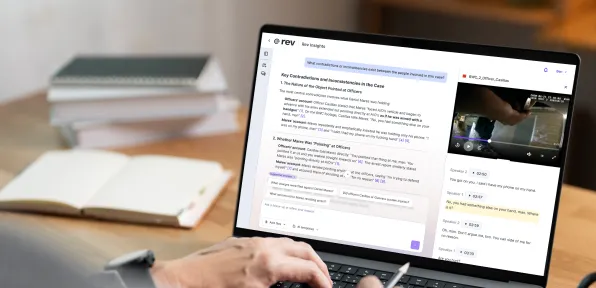
Tools like Rev play an important role in this shift by helping teams quickly generate accurate captions and transcripts for recorded content. By reducing manual workload and supporting consistent, accessible communication across digital learning environments, these tools make it easier for institutions to maintain accessibility as their digital footprint grows.
Building a More Accessible Learning Experience
ADA compliance is a key concern for any higher education institution, but the ultimate goal is to make it possible for every student to fully participate and thrive. With the right approach, accessibility can become a natural extension of how institutions deliver the educational experience.
Rev helps make that possible by providing reliable captioning and transcription at scale. We reduce the burden of accessibility work so faculty and staff can focus on teaching, supporting students, and creating the best possible learning experience.