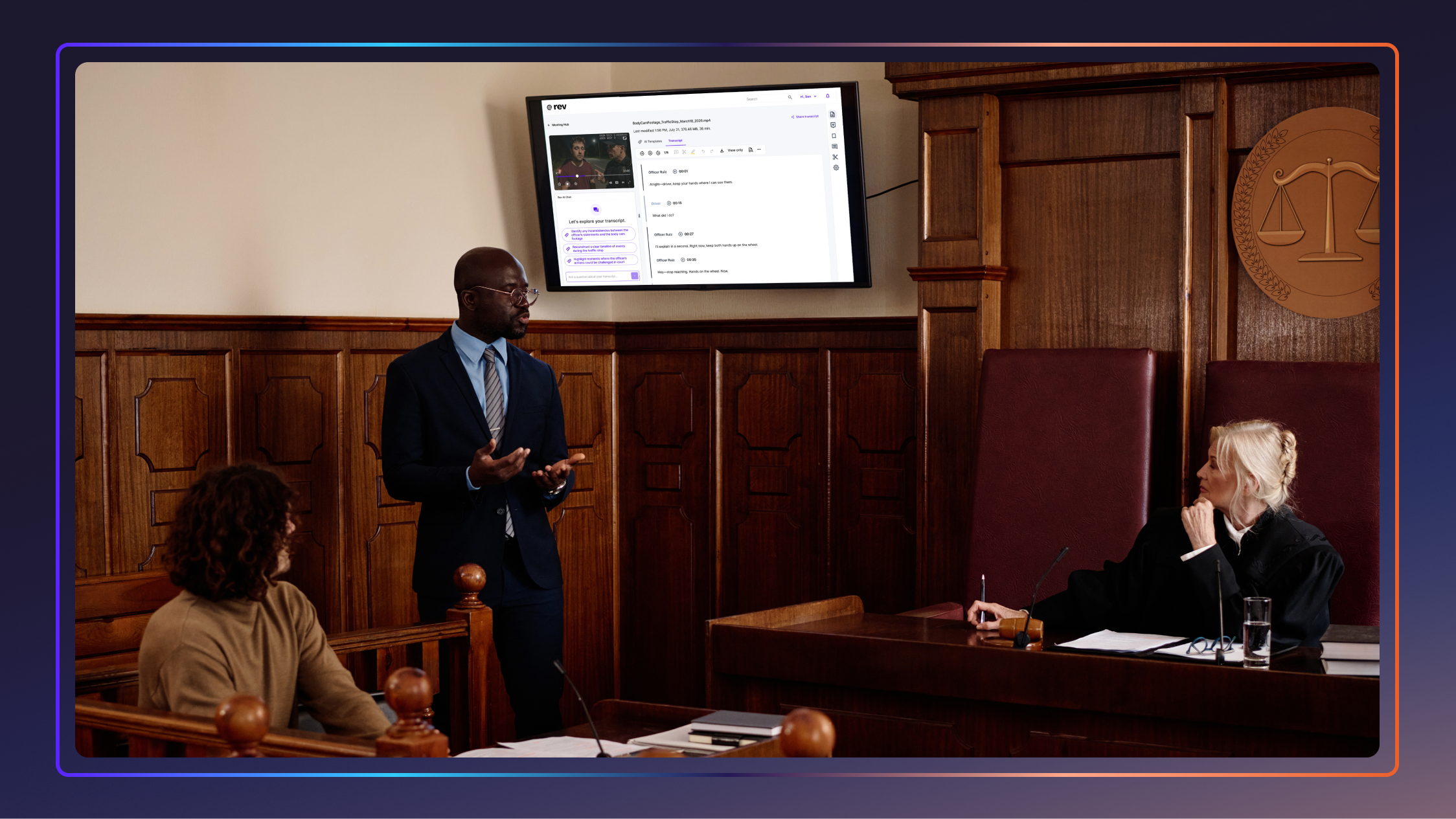


How Court Technology Is Changing Litigation Strategy
Modern court technology is transforming how attorneys prepare cases, manage evidence, and present arguments in court. Here are six key changes.

When you picture courtroom proceedings, what do you see? Tables covered in binders? Paper exhibits changing hands? Attorneys flipping through deposition transcripts line by line?
Those images are still ingrained in many people’s minds, thanks to scenes from “A Few Good Men” or classic episodes of “Law & Order,” but they’re quickly getting further and further away from the reality of the modern courtroom.
The fundamentals of litigation haven’t changed over the last few decades, but the tools surrounding that work have evolved dramatically. Legal teams now manage digital evidence, searchable transcripts, remote proceedings, and multimedia presentations that would have seemed unimaginable in the paper-heavy courtrooms of just a generation ago.
What exactly do those court technology changes mean for litigation strategy? Let’s take a look.
What Is Court Technology?
Court technology refers to digital tools and software designed to help legal teams and courts manage, present, organize, and review information throughout the litigation process.
It can include everything from digital evidence presentation systems and remote hearing platforms to searchable transcripts, real-time captioning, cloud-based case collaboration tools, and AI-assisted legal workflows.
Historically, “court technology” applied more narrowly to specialized courtroom hardware or court-reporting equipment. While those tools are still integral, the meaning of the term has expanded significantly as courts have digitized and litigation has become more data-driven. Legal teams now use a much wider range of software and equipment to improve efficiency, accessibility, organization, and case strategy.
Why Tech Has Entered Modern Courtrooms
As is often the case in the legal world, the process of bringing technology into the courtroom has unfolded slowly. Courts and litigation teams have adopted new tools only when they solve a clear operational problem. Early innovations such as stenographic equipment and digital filing platforms, for instance, enhanced record-keeping and streamlined courtroom logistics.
But over time, the nature of litigation has changed. Modern cases generate huge volumes of digital information, including emails, text messages, surveillance footage, body camera video, and electronically stored documents. That change has pushed technology from a supporting role to a central player in litigation strategy.
That transition was especially sharp during the pandemic, when courts that had previously resisted remote proceedings suddenly relied on video hearings and cloud-based collaboration to keep cases moving.
In the years since, legal teams have also become more open to using AI tools to automate courtroom workflows, from transcript review and evidence organization to scheduling and trial preparation. According to a recent Rev survey on AI in the courtroom, 53% of respondents now believe AI can support court systems.
“Integrating technology has become one of the fundamental skills to be a lawyer in the 21st century,” says Ramzy Ladah, attorney and founder of Ladah Law Firm. “Each new tool becomes more valuable if it works so that the lawyer can tell his story more clearly.”
6 Ways Court Tech Has Changed Litigation
Modern courtroom technology has done far more than accelerate legal prep or make teams more efficient. Here are six ways these legal tools have transformed the litigation process.
1. Accelerating Discovery, Review, And Analysis
Today’s legal teams must comb through massive volumes of digital evidence as they prepare their cases. Rather than relying on painstaking manual processes, they can turn to searchable transcripts, cloud-based evidence platforms, and AI-assisted review tools to help locate testimony, compare witness statements, and surface key details.
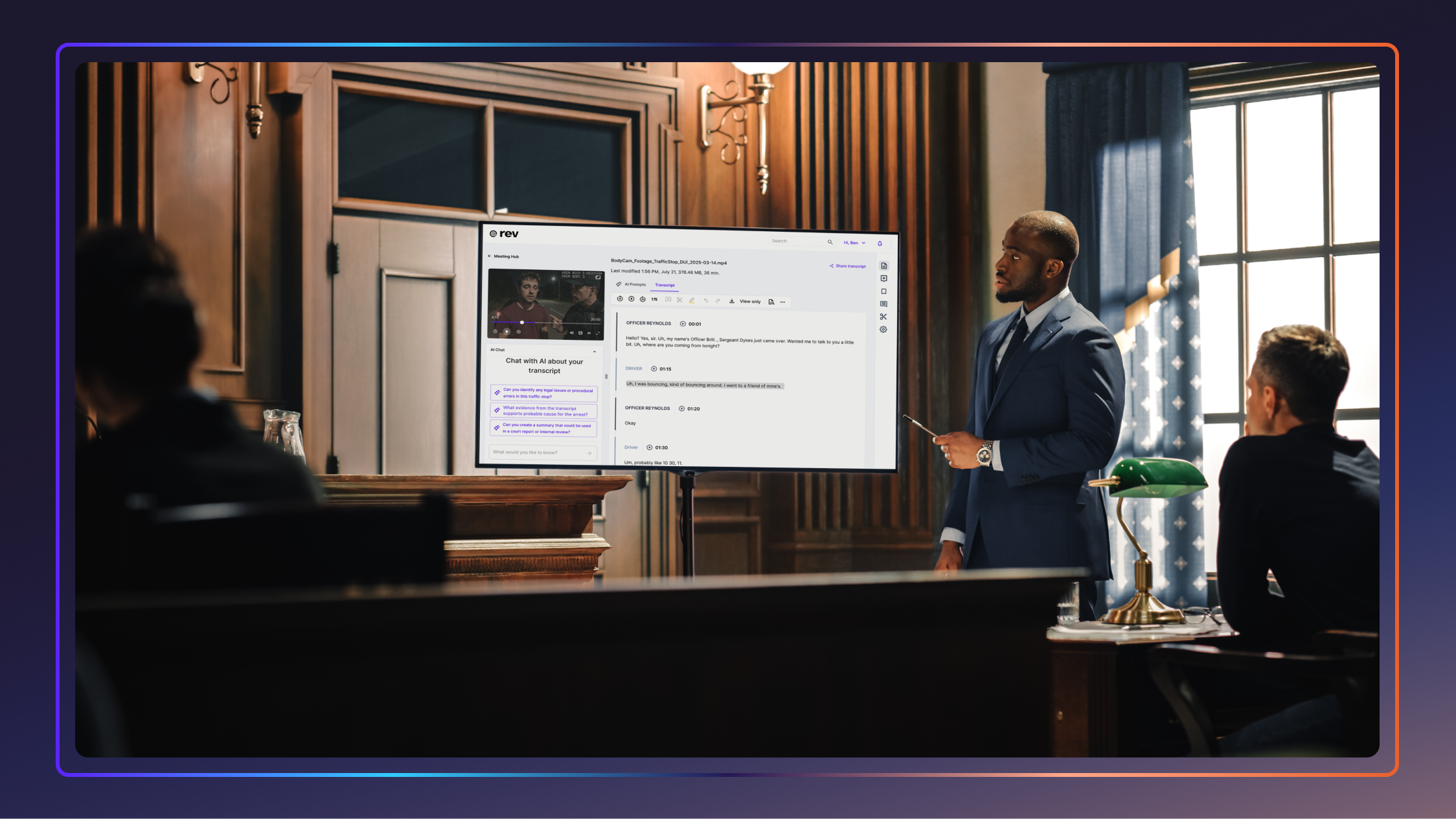
Tools like Rev’s legal transcription and evidence analysis platform, for instance, make recorded depositions, hearings, and interviews easier to search and reference throughout a case. Legal teams can even upload text files, PDFs, and images alongside transcripts and recordings, allowing attorneys to analyze multiple forms of evidence in a single workflow.
Note that these tools don’t replace the judgment of legal professionals. Attorneys are still responsible for verifying accuracy, evaluating context, and deciding how evidence fits into the broader litigation strategy — but the speed of discovery frees time for these critical tasks.
2. Elevating The Role of Visuals In Trial Strategy
Modern trial court technology has also transformed how attorneys present information to judges and juries. Digital exhibits, video evidence/testimony, timelines, and animations are now common, helping legal teams present evidence more clearly and guide jurors through complex cases.
“Technology is changing the way juries process information,” says David Gammill, trial attorney and founder at Gammill Law Accident & Injury Lawyers. “Juries respond better to visual evidence than to long explanations.”
That said, thoughtful use is critical. Strong visuals can help simplify complex testimony and evidence, but poorly organized presentations can distract from the case rather than strengthen it.
3. Taking Proceedings Outside The Courtroom
Remote hearings, virtual depositions, and hybrid proceedings have become far more common across the legal system. What began as a necessity during the pandemic quickly showed legal teams that many proceedings could be handled efficiently without requiring every participant to be physically present.
Video-conferencing platforms and cloud-based collaboration tools now make it possible for attorneys and witnesses to participate from almost anywhere. Many legal teams have benefited from lower travel costs and simplified scheduling, but this approach isn’t without its challenges.
Technical issues can disrupt proceedings, off-camera witness coaching can become a concern, and attorneys can no longer rely on some of the in-person dynamics they’ve used to read reactions and adapt during testimony. The key is to use remote tools selectively and keep them from getting in the way of effective litigation.
4. Enabling A More Collaborative Approach to Trial Prep
Trial prep has always been collaborative, but today’s digital tools have made it that much easier to work together on case strategy. Cloud-based case management systems, shared evidence platforms, and searchable transcripts allow attorneys, paralegals, experts, and support staff to work from the same information in real time, even when teams are spread across multiple offices or locations.
That accessibility can help legal teams speed up preparation as cases develop. Instead of relying on physical files or disconnected notes, attorneys can organize exhibits, review testimony, share updates, and coordinate strategy in a centralized location.
Still, collaborative systems require strong organizational and communication practices, such as consistent file management, clear version control, and centralized updates, to avoid creating more confusion or adding chaos.
5. Learning To Work With AI (Without Outsourcing Intelligence)
Since generative AI became widely accessible in 2022, it has become a mainstay in litigation strategy, particularly in areas like transcript review, evidence organization, and legal research. Many AI court reporting technology platforms help attorneys quickly summarize testimony, search proceedings, and identify important themes across large volumes of material.
The best legal teams treat artificial intelligence as a support tool rather than a replacement for their judgment and expertise. AI can help speed up review and organization, but attorneys are responsible for verifying accuracy, evaluating nuance, and building the broader litigation strategy.
6. Enhancing Courtroom Accessibility
Digital courtroom technology has also opened courtroom proceedings to a wider range of participants. Through real-time captioning, digital exhibits, improved audio systems, and remote participation tools, jurors, witnesses, attorneys, and the public can all engage more fully — regardless of ability.
These tools can be especially valuable for participants with hearing impairments, language barriers, or limited ability to travel to court in person. However, even the best tools are ineffective if audio quality is poor, presentations are disorganized, or participants are unfamiliar with the technology being used. Accessibility technology is most effective when implemented thoughtfully and supported by clear courtroom procedures.
The Best Tech Adapts To Each Legal Use Case
With so many tools and potential uses, it can be tempting for legal teams to just take an “everything at once” approach to adoption. But simply trying to solve every problem or bottleneck with another piece of software isn’t the most effective way to make use of court technology.
In general, it’s best to tailor tech uses to the specific needs of your practice. For instance:
- Criminal defense attorneys might use searchable transcripts and video review tools to analyze body camera footage, compare witness statements, and prepare cross-examination questions.
- Prosecutors and district attorneys can turn to digital evidence platforms and collaborative workflows to manage witness testimony and coordinate between investigators and law enforcement agencies.
- Personal injury and civil litigation firms can use medical record chronology tools and multimedia presentations to build clearer narratives for judges and juries.
- Family law attorneys often benefit from remote hearings and digital documentation tools that improve scheduling flexibility and help manage sensitive client communications.
- Employment and corporate litigation teams frequently use technology to organize emails, HR records, internal communications, and other electronically stored information from multiple offices and legal teams.
- Appellate attorneys often rely on searchable court records and precise transcript-review tools to identify procedural details, objections, and testimony that may shape an appeal.
- Courts and public sector legal teams can use technology to support digital filings, remote proceedings, real-time transcription, translation services, and broader courtroom accessibility.
The Future Of Technology In The Courtroom
In the decades ahead, tools such as AI-assisted analysis, real-time translation, immersive visual technologies such as virtual and augmented reality, and advanced courtroom displays will likely continue to reshape how attorneys prepare and present cases. The more sophisticated these systems become, the more courts and legal teams will look to court technicians and IT support staff to keep proceedings running smoothly.
Some attorneys believe future courtrooms may become even more interactive and visually immersive. “Augmented and virtual reality tools may allow jurors to virtually walk through an accident scene rather than examine a two-dimensional photograph,” says Benjamin B. Levine of Benjamin Levine Law.
“On the whole, the attorneys who will thrive are those who embrace new technology thoughtfully and understand that while technology changes how cases are presented, the fundamentals of storytelling, credibility, and human connection remain at the heart of effectively presenting a case.”
Each introduction of new technology into the courtroom will raise new legal and ethical questions. AI-generated images, video, and audio are already becoming more realistic, Levine notes, prompting courts and attorneys to develop stronger tools and standards for verifying authenticity. Adaptability and careful consideration will both be critical as these and other tools evolve.
How To Find The Right Legal Tech
Any courtroom technology you choose should support your team’s actual workflow. Before adopting new tools, think carefully about the types of cases you handle, the biggest inefficiencies in your current process, and how technology could realistically improve preparation, collaboration, accessibility, or courtroom presentation.
Here are a few questions that can help you find the best solutions:
- Does this technology solve a real problem in our current litigation workflow?
- Will this tool help our team save time without sacrificing accuracy?
- Can attorneys, staff, and clients realistically learn and use the platform effectively?
- Does the technology integrate well with our existing systems and workflows?
- Will this software improve how we organize evidence, review testimony, or prepare for trial?
- Does the platform support remote collaboration and accessibility needs?
- How secure is the platform when handling sensitive legal information?
- Will this technology still be useful as our caseload and workflows change?
Of course, implementation will ultimately determine how effective your use of court technology is. Your team must be prepared to train attorneys and support staff on using the tools, and you’ll need clear workflows and regular system reviews in place to ensure the tech meets ongoing performance and security standards.
Start Building Your New Litigation Toolkit
Court technology will continue to change how legal teams prepare, collaborate, and present their cases, but the goal is not to replace the people at the center of litigation. The best tools help attorneys move faster, stay organized, and build clearer case narratives.
Rev supports that work with accurate, searchable transcripts and tools that help litigation teams turn all their multi-media evidence into insights.